26
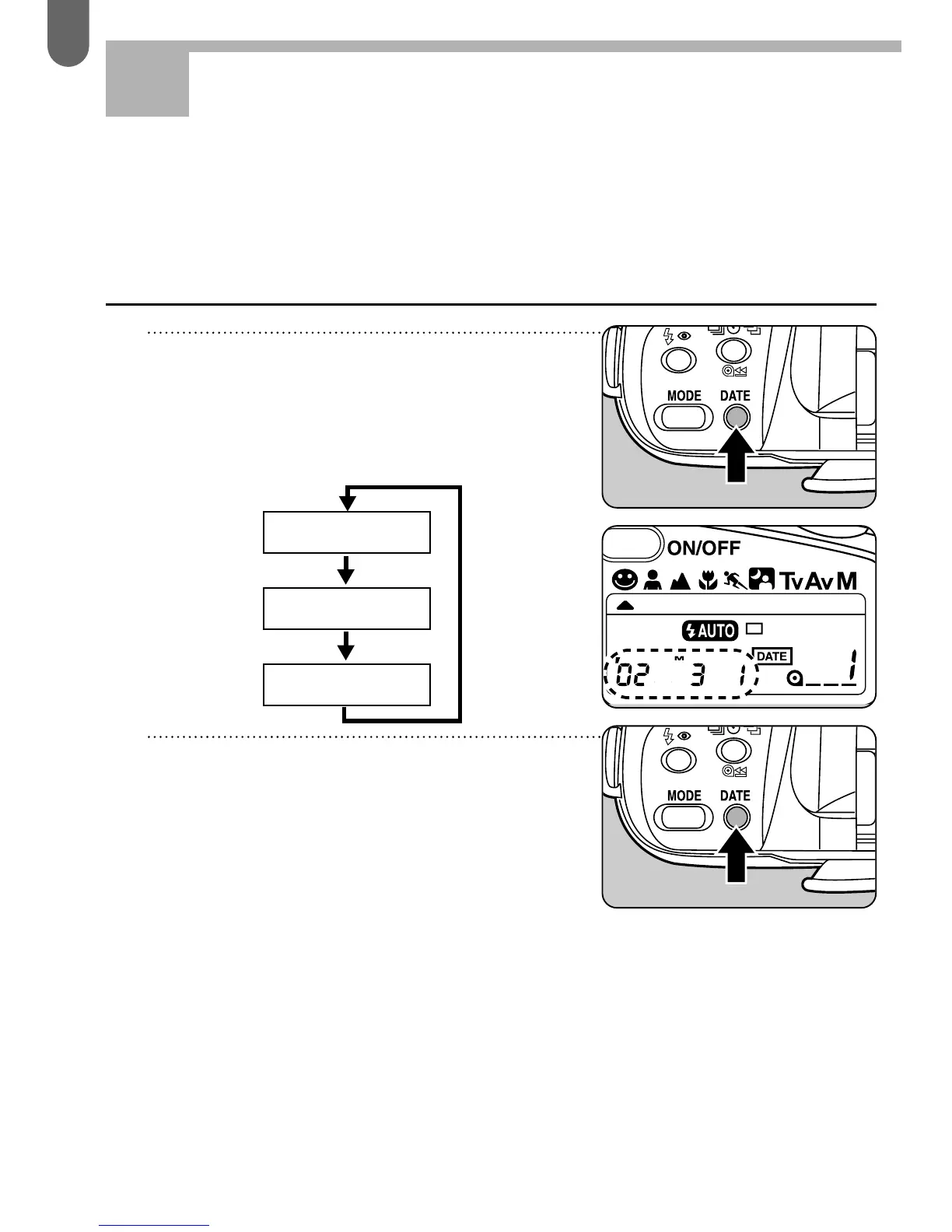
1 At each depress of the
[DATE] button, the display on
the LCD panel changes as
follows.
2 While the date mode is
displayed, at each depress of
the [DATE] button as shown
in the illustration, the date
mode on the LCD panel of
the data changes as
indicated in the chart.
IMPRINTING THE DATE
Step 5
The DATE model records date information on your pictures
clearly on each frame that you expose.
Selecting the date mode



 To Next Page
 Loading...