46
1
Getting Started
2
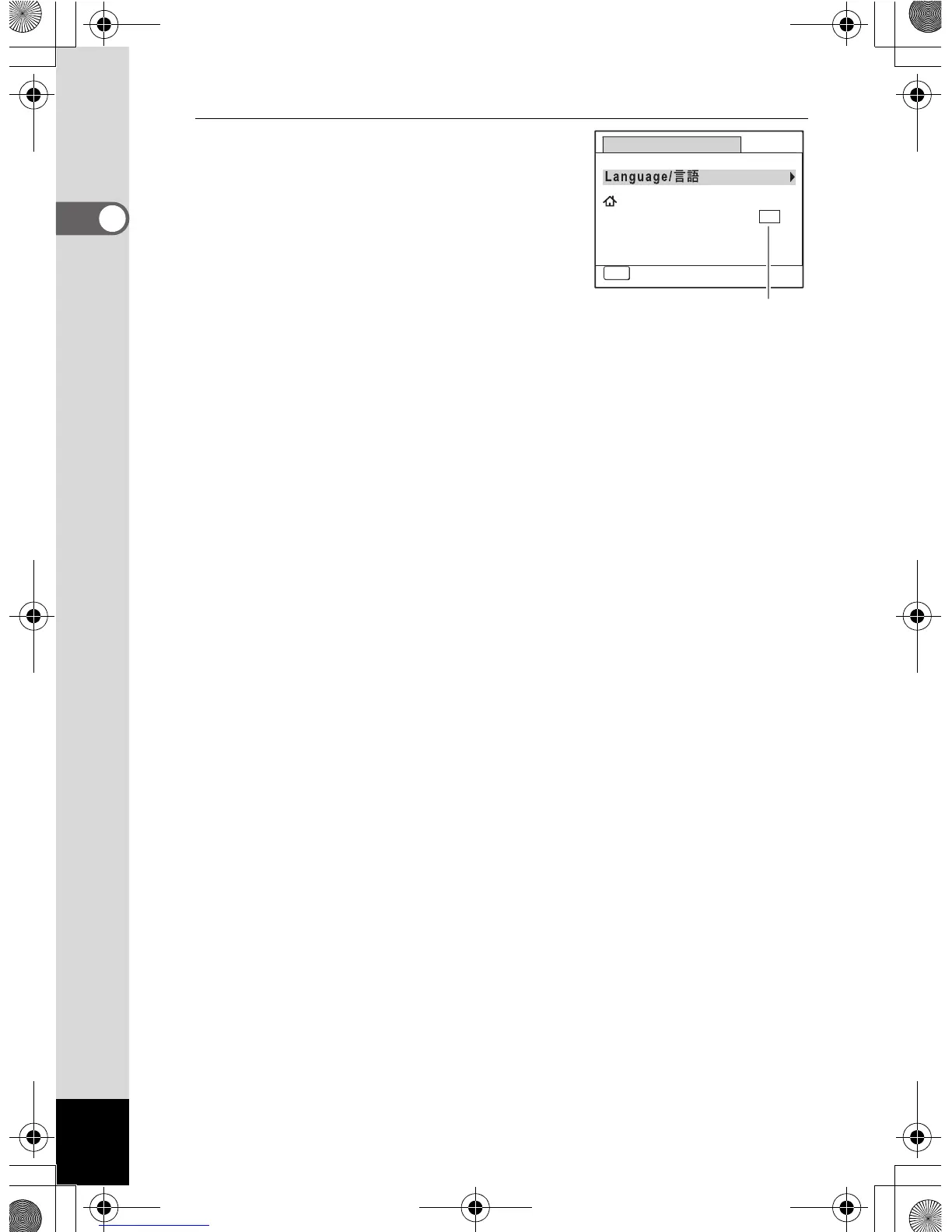
Press the 4 button.
The [Initial Setting] screen appears in the
selected language. If the desired settings
for [Hometown] and [DST] (Daylight Saving
Time) appear, use the four-way controller
(23) to move the frame to [Settings
complete], and press the 4 button to
display the [Date Adjustment] screen. Go to
“Setting the Date and Time” (p.49).
Go to step 3 in “To Set Hometown and DST” (p.48) if the desired
settings do not appear.
Initial Setting
MENU
Cancel
English
DST
OFF














 To Next Page