86
3
Taking Pictures
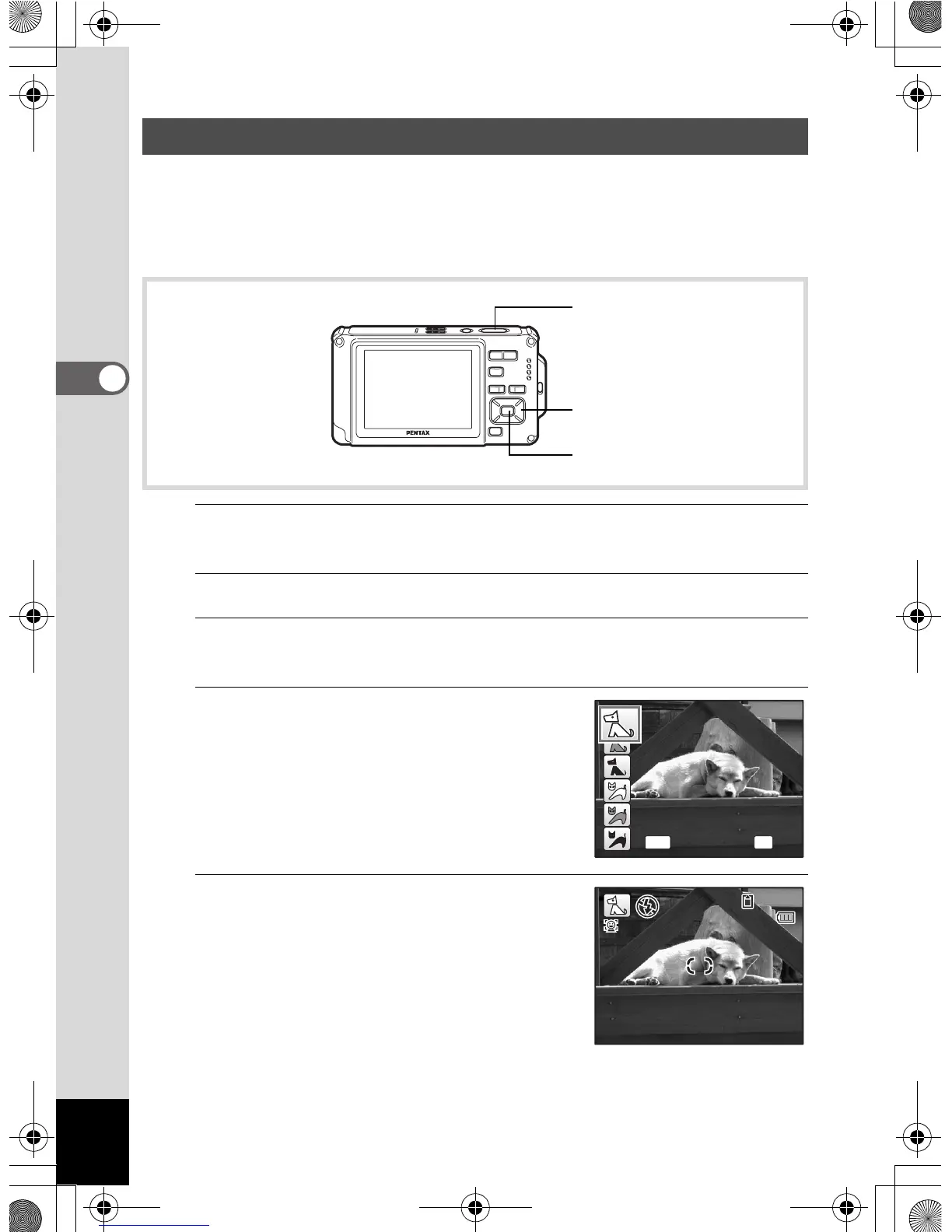
Use Y (Pet) mode to keep your moving pet in focus and capture the
color of your pet’s coat when you take a picture. Choose the appropriate
icon depending on what color your pet is (closer to black or white or in
between).
1
Press the four-way controller (3) in A mode.
The Capture Mode Palette appears.
2
Use the four-way controller (2345) to select Y (Pet).
3
Press the 4 button.
The Pet mode selection screen appears.
4
Use the four-way controller (23)
to select Y, Z, Z, a, b or b.
There are cat and dog icons. Although the
dog and cat icons differ, their effect during
shooting is the same. Choose whichever
you prefer.
5
Press the 4 button.
Pet mode is selected and the camera
returns to capture mode.
Taking Pictures of Your Pet (Pet Mode)
Four-way controller
4 button
Shutter release button
OK
OK
MENU
Cance
14:25
0 7 / 0 7 / 2 0 0 907/07/2009
e_kb485.book Page 86 Friday, July 3, 2009 9:18 AM














 To Next Page