67
3
Taking Pictures
You can change the captured area by pressing the zoom button (p.79).
Right (x) Enlarges the subject.
Left (w) Widens the area that is captured by the camera.
3
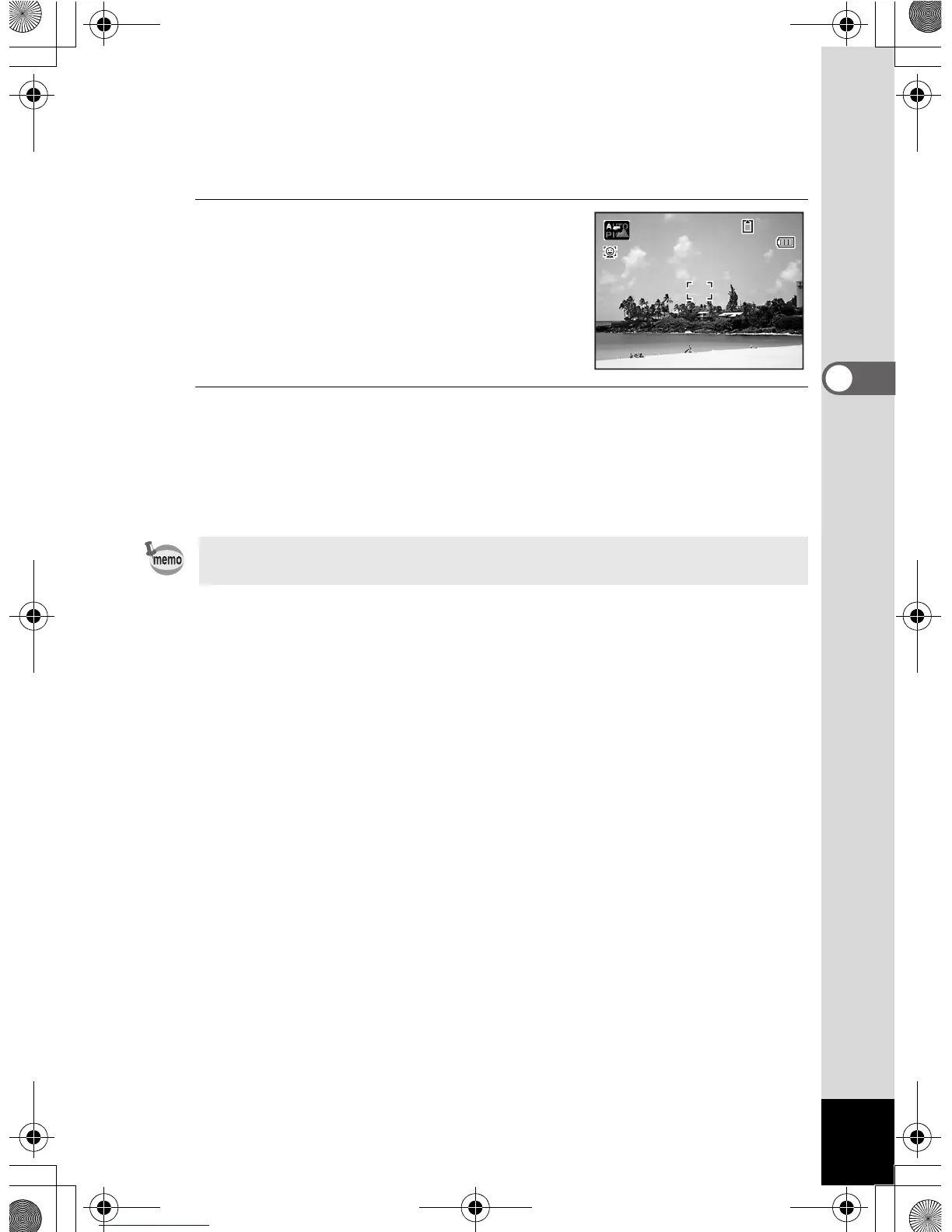
Press the shutter release button
halfway.
The focus frame (or face recognition frame)
on the display turns green when the camera
focuses on the subject at the correct
distance.
4
Press the shutter release button fully.
The picture is taken.
The flash discharges automatically depending on the light conditions.
The image appears on the display temporarily (Instant Review: p.69)
and is saved to the SD Memory Card or the built-in memory.
Press the Green button to switch to the 9 (Green) mode and let the
camera set all the shooting functions automatically (p.78).
38
0 7 / 0 7 / 2 0 0 907/07/2009
e_kb485.book Page 67 Friday, July 3, 2009 9:18 AM














 To Next Page