89
3
Taking Pictures
3
Press the 4 button.
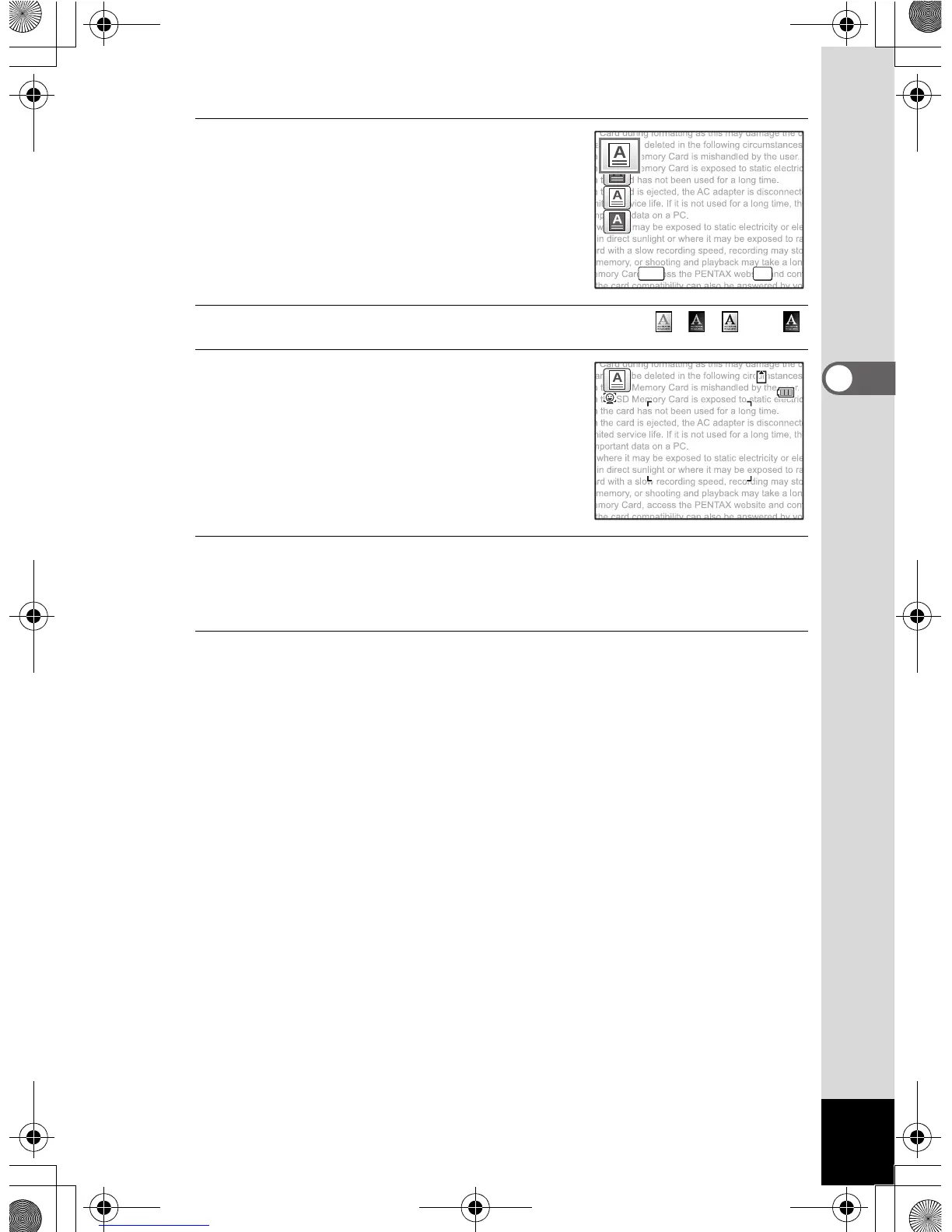
The text mode selection screen appears.
4
Use the four-way controller (
23
) to select , , , or .
5
Press the 4 button.
The text mode setting is selected and the
camera returns to capture mode.
6
Press the shutter release button halfway.
The focus frame on the display turns green when the camera focuses
on the subject at the correct distance.
7
Press the shutter release button fully.
The picture is taken.
MENU OK
OK
14:25
0 7 / 0 7 / 2 0 0 907/07/2009
e_kb485.book Page 89 Friday, July 3, 2009 9:18 AM














 To Next Page