© 2010 - 2018 Persistent Systems, LLC – All Rights Reserved
32
PHYSICAL SETUP: POWER
1
Ensure that antennas, a radio module, and
an appropriate power source are connect-
ed.
4
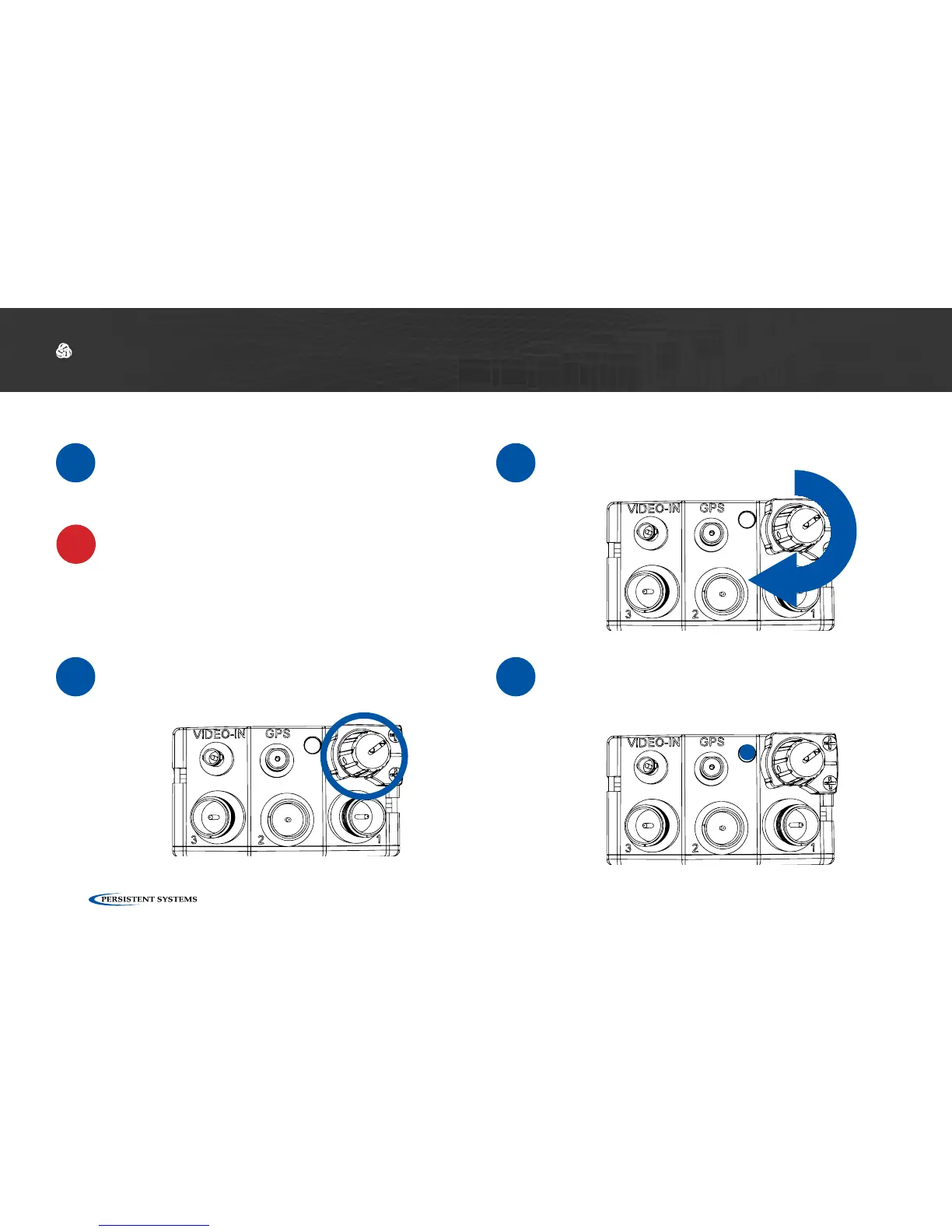
If the unit is powered and has turned on,
the LED on the top of the unit will glow
a color indicating unit status.
2
Locate the Power Knob on the top of the
unit.
3
Twist the Power Knob clockwise 1 click.
Powering On the Unit
!
WARNING!: Antennas MUST be installed prior
to powering on the unit.



 To Next Page