© 2010 - 2018 Persistent Systems, LLC – All Rights Reserved
108
DEVICE OPERATION: CONFIGURING VIDEO KIOSK MODE
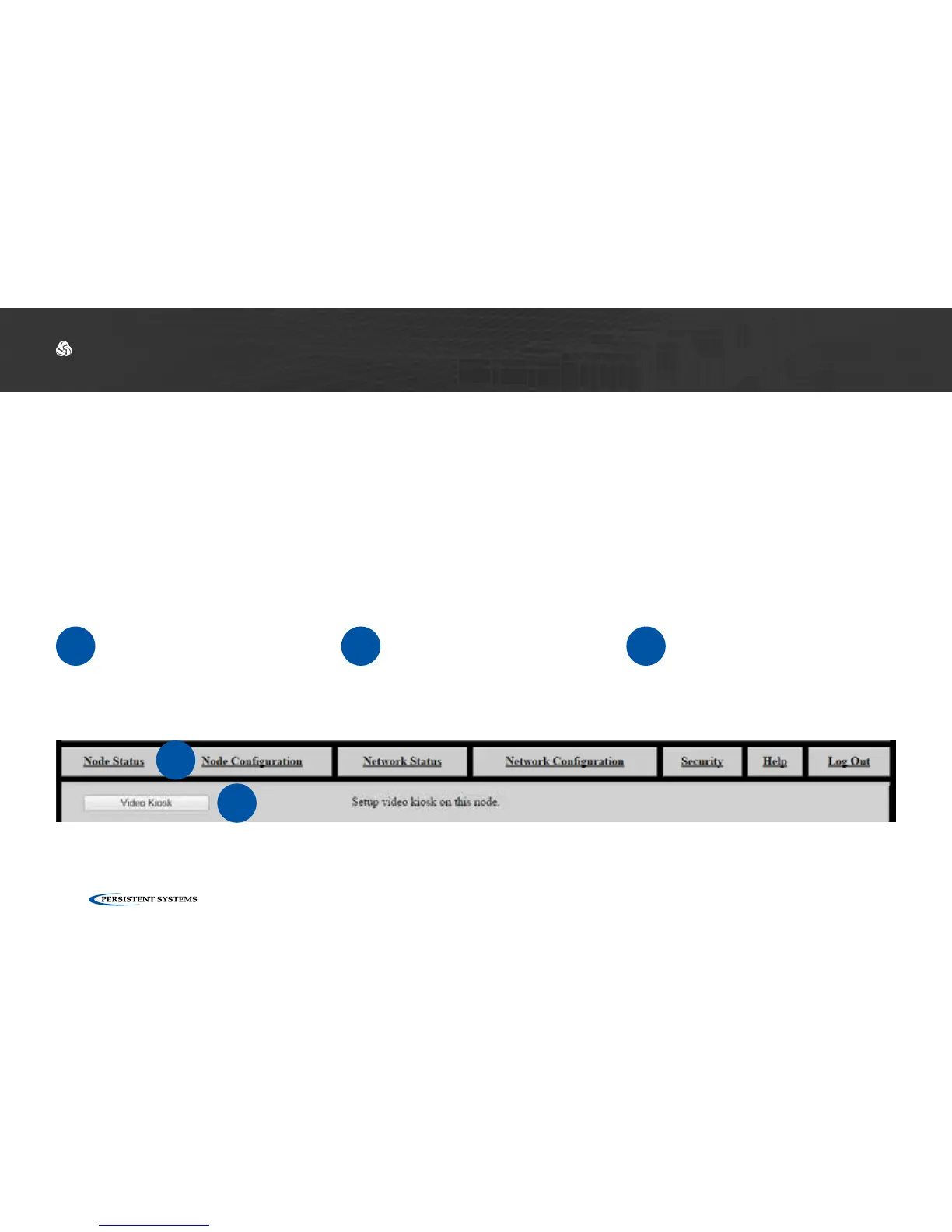
Configuring Video Kiosk Mode
1
Connect the MPU5 to the
Management Computer
and log into the Web Man-
agement Interface.
2
Click the Node Configura-
tion tab.
3
Click the Video Configu-
ration button.
2
3
Video Kiosk Mode allows you set up the MPU5 as a kiosk video player. When Kiosk Mode is en-
abled, up to four video feeds may be configured. The MPU5 will automatically display one of these
video feeds, and the standard MPU5 Android interface is disabled. The video being viewed can be
changed from within the Web Management Interface or toggled by using the keypad.
Video Kiosk Mode



 To Next Page