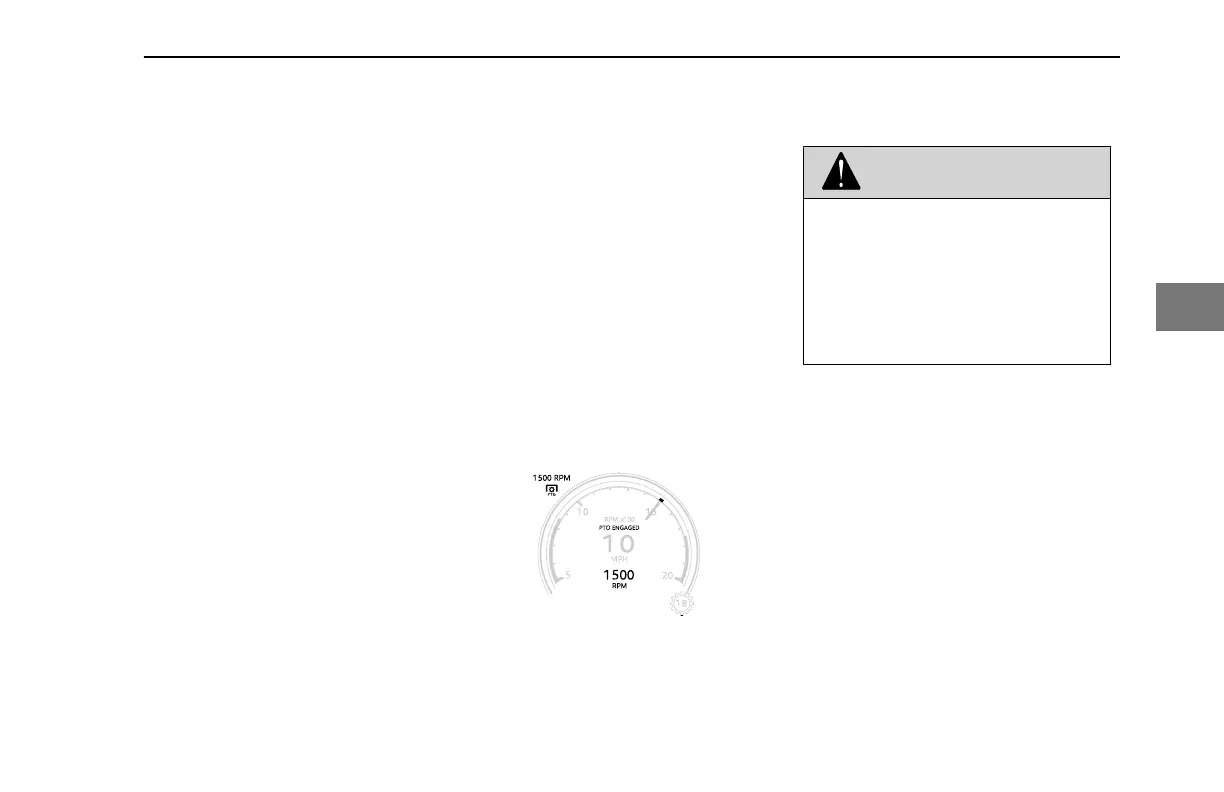
appear inside the speedometer.
(Vehicles equipped with a PACCAR
or Eaton automated transmission
will display the letters AN in the
transmission gear indicator when
the PTO is engaged).
2. Press the Cruise Control (CC)
ON/OFF switch to enable PTO
speed control operations. A white
speed control enabled icon will
appear.
3. Optional: If your PTO has
designated PTO presets located on
the dash:
• If you have dash mounted PTO
preset switches, toggle the
desired PTO Preset switch, or
• Using the dash mounted
PRESET Increment and
Decrement switch, cycle
through the PTO presets to
select the desired preset.
PTO Speed Control is now active.
Vehicles with an MX engine will
display a green PTO indicator with
a target PTO engine speed.
4. Optional: If you don't have dash
mounted PTO preset switches,
press the SET + and RES –
buttons located on the steering
wheel to command a desired
engine speed.
PTO Speed Control is now active.
Vehicles with an MX engine will
display a green PTO indicator with
a target PTO engine speed.
5. To increase or decrease PTO
engine speed use a combination of
short and long presses of the SET
+ and RES - buttons located on the
steering wheel (the cruise control
buttons when the vehicle is
moving).
Vehicles powered with PACCAR MX
Engines will display the PTO engine speed
above the PTO indicator.
PTO Active Gauge
Cruise Control
WARNING
DO NOT operate the cruise control
when operating on road surfaces with
poor traction (wet, icy, or snow cov-
ered roads) or in heavy traffic. Acceler-
ations caused by the normal operation
of the cruise control could cause you
to lose control of the vehicle resulting
in an injury accident.
Cruise control functions and features may
vary depending upon which engine you
have. For a specific explanation of your
cruise control, see the cruise control or
engine manual included with your vehicle.
This vehicle's electronic system will
perform a ‘rationality check’ every time the
vehicle is started. This check is to ensure
that the service brakes are working before
allowing cruise control to function. This
safety feature is designed to ensure that a
driver is able to cancel the cruise set speed
by using the service brake pedal. The
system will not allow cruise control
operation if it does not pass the ‘rationality
check.’ The display will prompt you to
press the service brake pedal if it has not
DRIVING - Engine Operations
Y53-6076-1D1 (09/20) 123
4



 To Next Page