15-07-2002
113
YOUR 607 IN DETAIL
THE TRIP COMPUTER
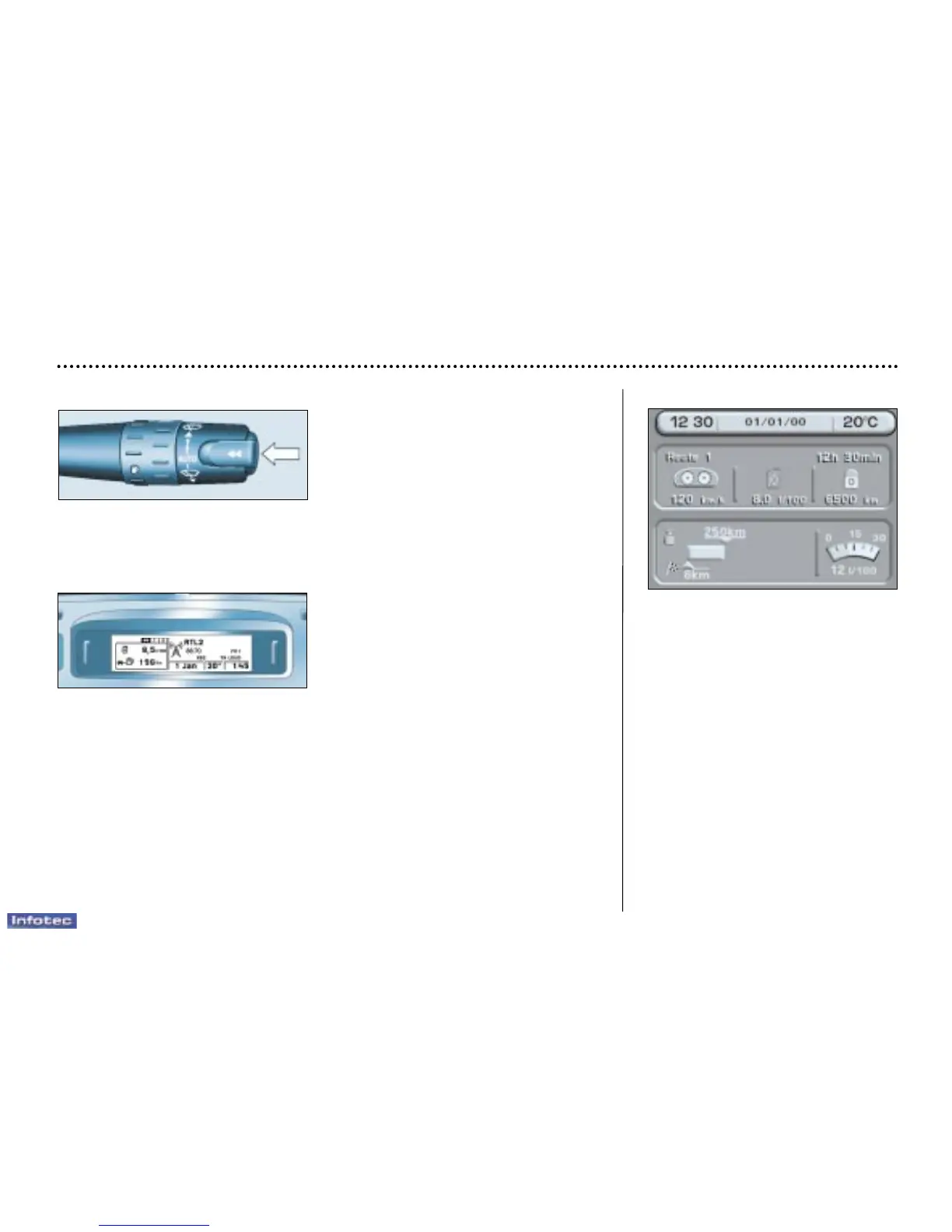
Pressing the button located at the end of the windscreen wiper control displays
in turn:
Colour screen
– 'Route 1' with:
• the route number,
• the time which has elapsed since the
last zero re-set of the route,
• the average speed,
• the average consumption,
• the distance travelled
– 'Route 2' with the same features.
The following information is displayed
simultaneously at the bottom of the
screen:
– the distance that remains to be
travelled,
– the current range,
– the current consumption.
Zero re-set
When the required route is displayed,
press the button for more than two
seconds.
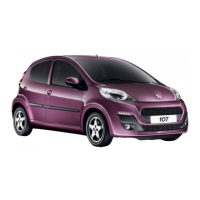
Monochrome screen C
– the 'vehicle' tab with:
• current range and consumption,
– tab '1' (route 1) with:
• the average consumption, the distance driven and the average speed calcu-
lated over route '1',
– tab '2' (route 2) with the same features.
Zero re-set
When the required route is displayed, press the button for more than four
seconds.


 To Next Page