15-07-2002
YOUR 607 IN DETAIL
42
THE MULTI-FUNCTION
DISPLAY
General
The multifunction, monochrome C or
colour display shows the
following:
– the time,
– the date,
– the outside temperature (symbol
°C flashes if there is a risk of ice),
– the audio system displays,
– the telephone displays,
– status of the openings,
– warning messages (e.g. 'Fuel level
low') and vehicle function status
messages, displayed temporarily,
– trip computer display (see corre-
sponding section),
– satellite navigation system dis-
plays* (see corresponding sec-
tion),
– video images.
It is controlled by a keypad.
Superimposed display
When the status of a function (audio
system, telephone, trip computer,
satellite navigation system,....)
changes while the display has been
showing a different function, a win-
dow opens to announce the modifi-
cation (information / warning mes-
sage), then disappears.
* According to country
The control pad
This enables the functions, controls and parameters displayed to be selected
and validated. It is located next to the display.
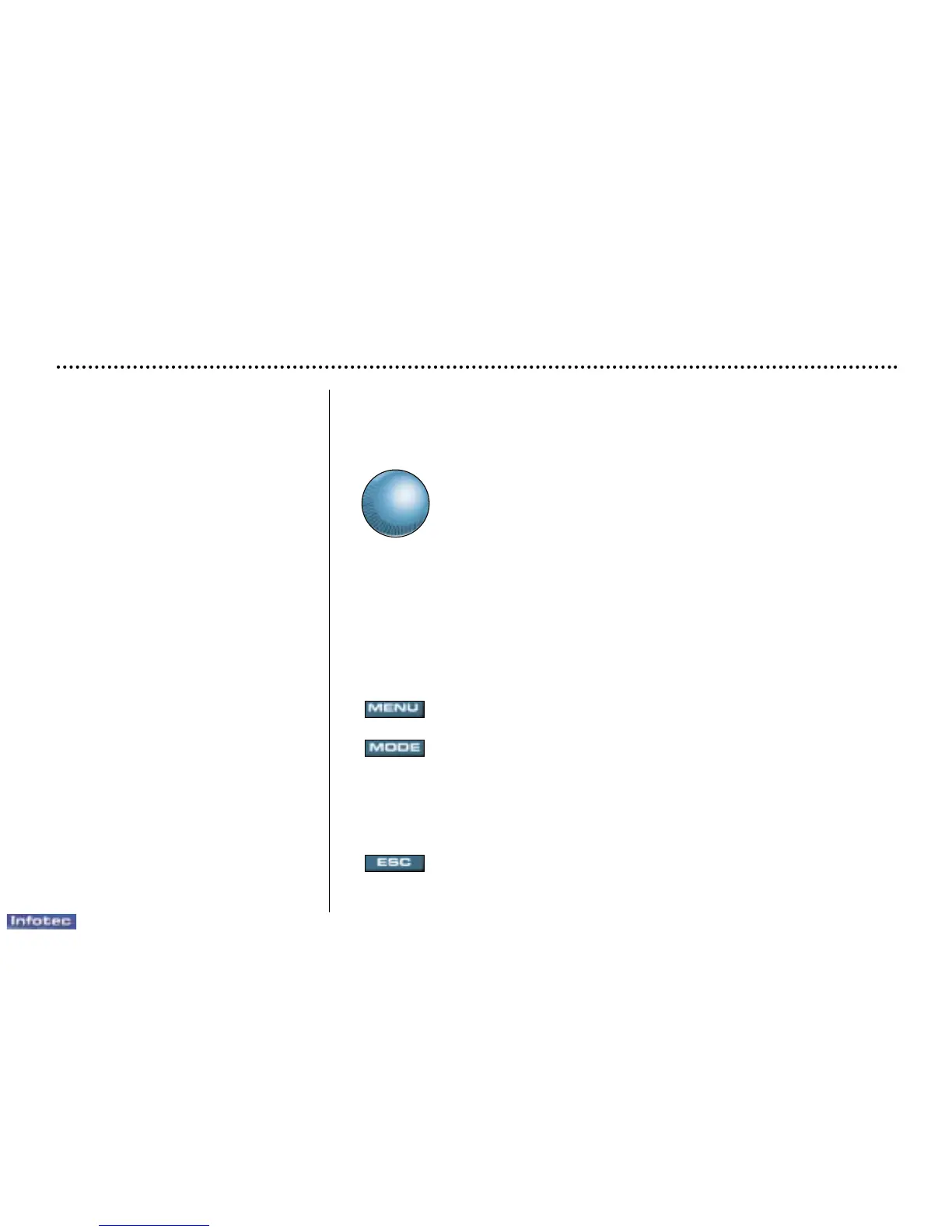
Dial; This has two functions:
– Rotation of the dial:
This allows you to move around the screen and thus select a
function.
It also allows you :
– after selection of a 'setting' type parameter, to increase or
decrease the value,
– with a 'list' type parameter, to open the list and scroll through
the values.
– Pressing the dial:
This allows:
– confirmation of the selected function or the modified value.
– selection of a 'setting' or 'list' type parameter in order to
modify it.
– cancelling of a superimposed display.
'MENU' button:
This allows access at any time to the general menu.
'MODE' button:
– brief press:
– monochrome screen C: selection of functions (audio system,
navigation / guidance...),
– colour screen: access to the list of controls (context menu) of
the function being displayed.
– Press for more than two seconds: putting the screen on standby.
'ESC' button:
– brief press: cancelling of the operation in progress and a return
to the previous screen or erasing of a superimposed display.
– press for more than two seconds: return to the start-up screen.


 To Next Page