15-07-2002
YOUR 607 IN DETAIL
45
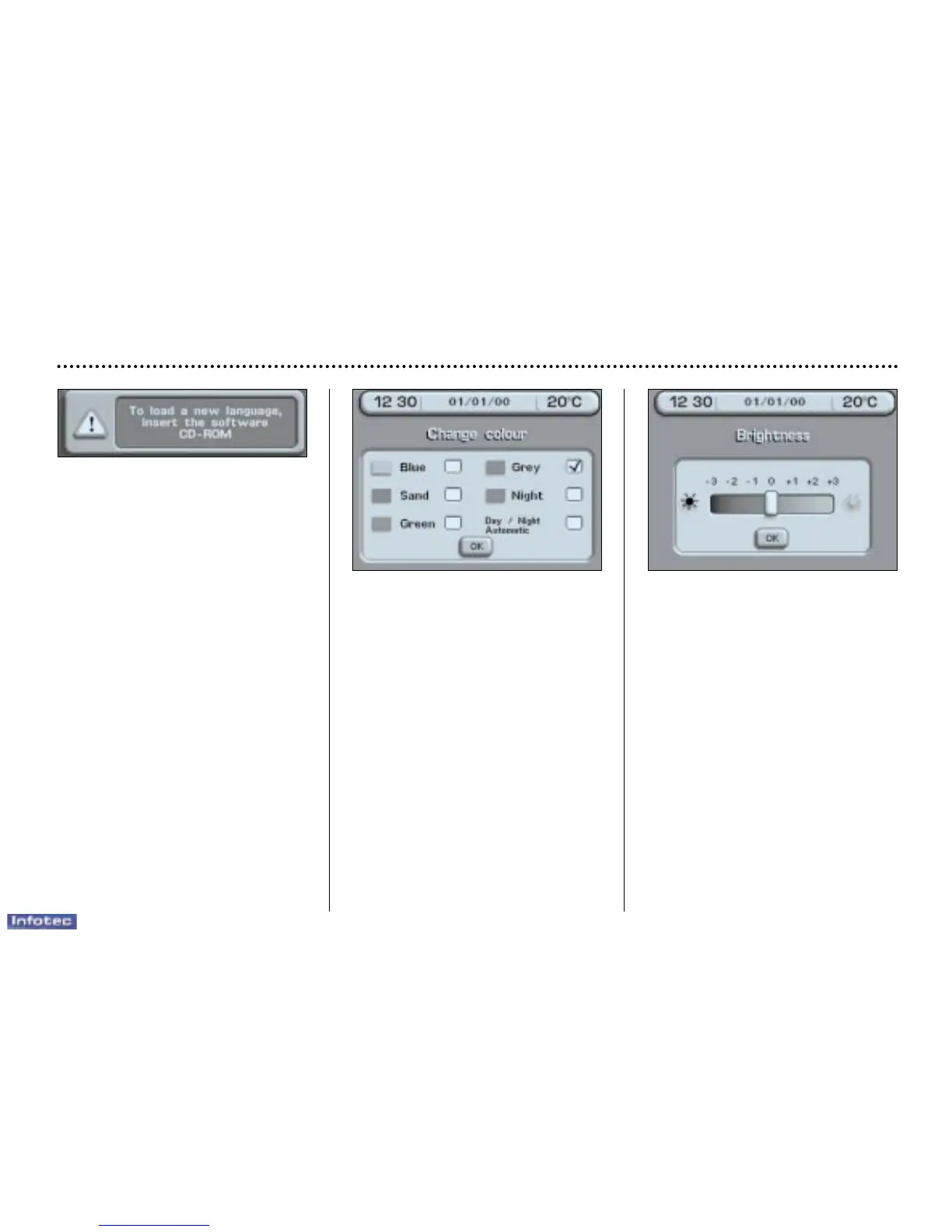
Carry out this operation with the
engine running to prevent activa-
tion of the vehicle's energy economy
mode and therefore cutting off of the
electrical supplies during loading of
the data.
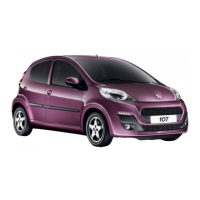
Changing the colours
Select the desired colour, then con-
firm.
If required, select 'automatic
day/night', then confirm and record
the changes.
Note: this function allows the system
to change automatically to 'Night'
colour when the vehicle lights are on.
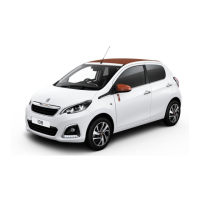
Changing the brightness
Select the 'Brightness' function,
then confirm:
– turn the dial clockwise to increase,
– turn the dial anti-clockwise to
decrease.
Record the modifications.
Note: this function allows only limit-
ed adjustment of the brightness,
since the screen lighting is depen-
dent on the sunshine/brightness sen-
sor in the vehicle.


 To Next Page