15-07-2002
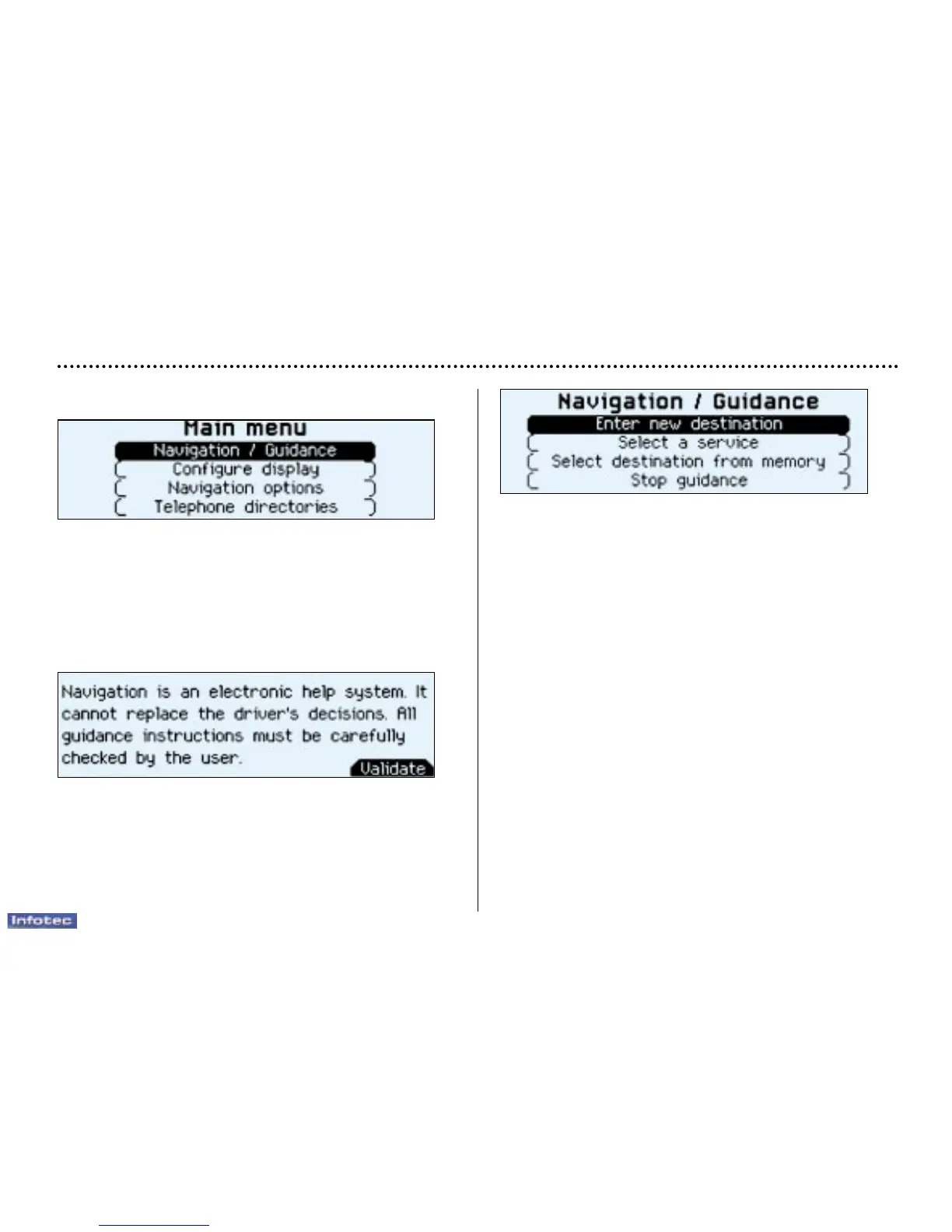
The 'Navigation/Guidance' menu offers various possibili-
ties for activating guidance:
– by inputting the address of a new destination,
– by selecting a service (hotel, station, airport...) available
in a town,
– by selecting an address stored in one of the two directo-
ries,
– by resuming previously interrupted guidance,
Two messages may be displayed, depending on the pre-
vious action: 'Resume guidance' or 'Stop guidance'.
Main menu
Switch on the ignition.
Press the 'Menu' button to access the 'Main menu'.
Select a function by turning the dial, then confirm (press
the dial).
Navigation / guidance
Following selection of the 'Navigation / guidance' menu,
a screen warns you about the use of the navigation sys-
tem. Please observe the instructions.
Press the dial to access the next screen.
YOUR 607 IN DETAIL
74



 To Next Page