15-07-2002
YOUR 607 IN DETAIL
43
Setting the parameters
From the 'general menu', the
'Display configuration' menu
allows you to access the following
parameters:
– setting the video brightness and
display,
– setting the date and time,
– choosing the language in which
information is heard and displayed
(German, Spanish, French, Eng-
lish, Italian), setting the formats
and the units. These settings allow
you to choose a display in km/h or
mph, the temperature in Celsius or
in Fahrenheit, and to modify the
hour (12 or 24 hour) and date
format.
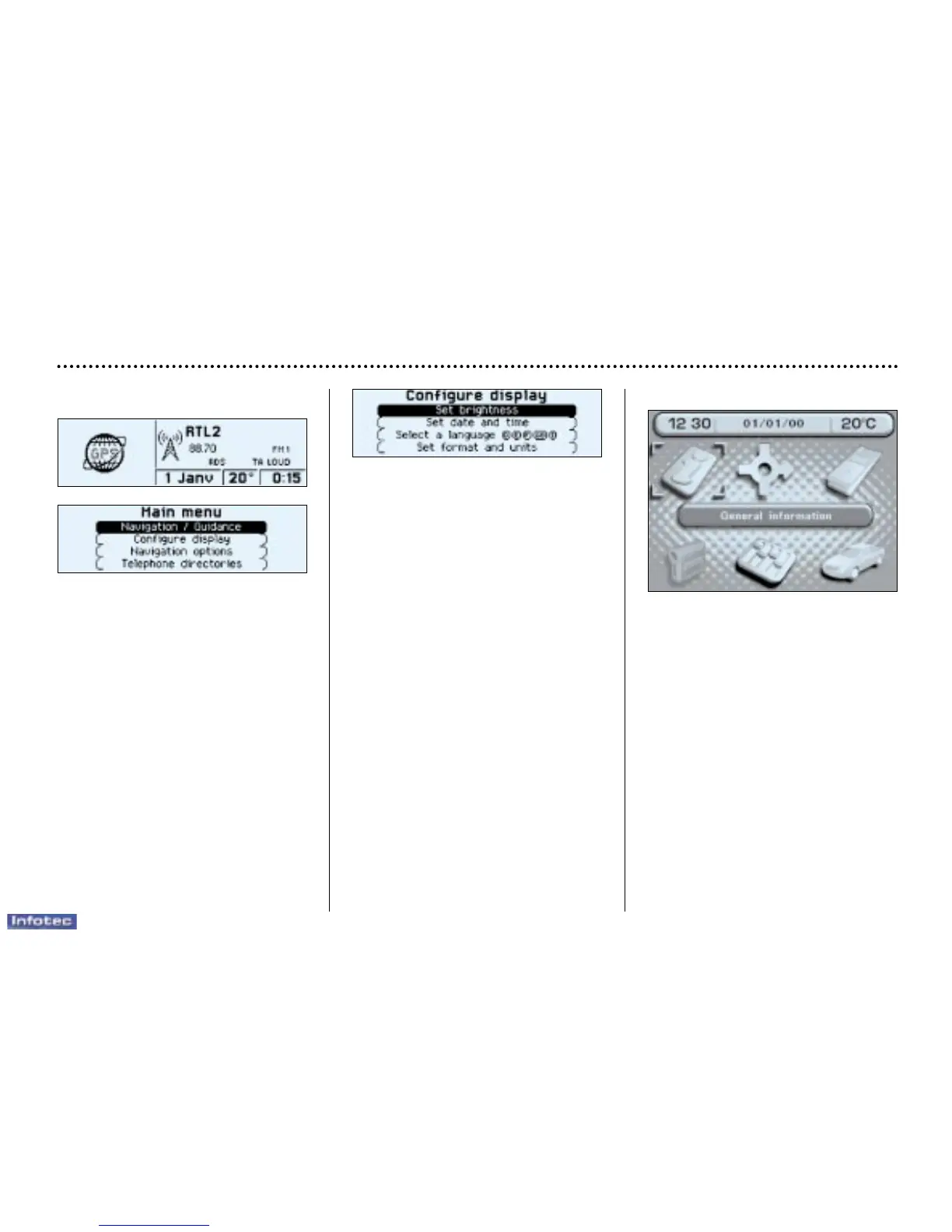
Monochrome screen C
General menu
Press the 'Menu' button to select
one of the following functions:
–navigation/guidance*
(see Section on 'Satellite naviga-
tion system'),
–display configuration
(see paragraph on 'Setting the
parameters', below),
–navigation options*
(see Section on 'Satellite naviga-
tion system'),
–telephone phone books
(see 'RT2 audio equipment' section).
* According to destination.
The colour screen
General menu
From the general menu, select one
of the following functions by turning
the dial then press the dial to confirm:
• general information,
• navigation/guidance*,
• map*,
• trip computer,
• settings,
• video.
Note: to enable you to make full use
of all the system functions, you have
two CD-Roms: one contains the soft-
ware and the different languages of
the voice synthesis, the other con-
tains the "Satellite navigation sys-
tem" map data. The latter must be in
the drive for the "Navigation/Guid-
ance" and "Map" functions to be
active.


 To Next Page