15-07-2002
YOUR 607 IN DETAIL
59
CASSETTE: Audio RM2
Selecting cassette mode
When a cassette is inserted, the cassette player will start automatically.
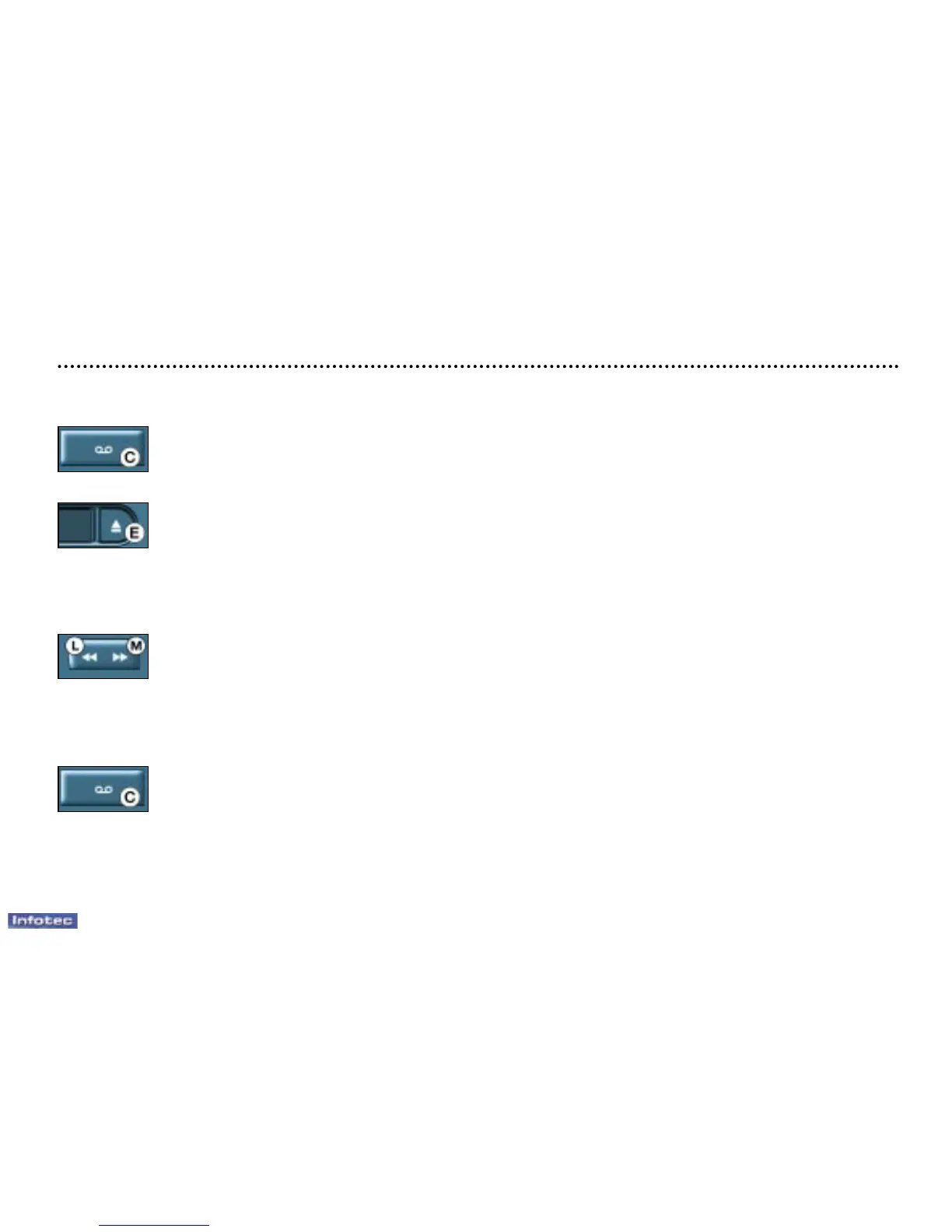
If a cassette is already inserted, press button C.
Ejecting the cassette
Press button E to eject the cassette from the drive.
Direction of play
The player will play sides 1 and 2 of the cassette alternately, automatically reversing the direction of play at the end of the side.
To manually reverse the direction of play of the cassette, press button C.
Selecting a cassette track (blank search)
Press button M to select the next track.
Press button L to return to the start of the current track or to select the previous track.
Fast forward and rewind
Fully press button M or L to fast forward or rewind the tape. At the end of the fast forward/rewind, the current side is played.
Noise reduction (Dolby B NR system)
Press button C for more than 2 seconds to switch the function on or off.
Dolby noise reduction is manufactured under licence by Dolby Laboratories Licensing Corporation.
'Dolby' and the double D symbol are brand marks of Dolby Laboratories Licensing Corporation.
Recommendations concerning the use of cassettes
– Use good quality cassettes.
– Avoid the use of cassettes which play for more than 90 minutes.
– Never expose cassettes to heat or sunlight.
– Re-tension the tape if necessary before inserting the cassette into the player.
– Regularly clean the playing heads with a damp-type cleaning cassette.



 To Next Page