15-07-2002
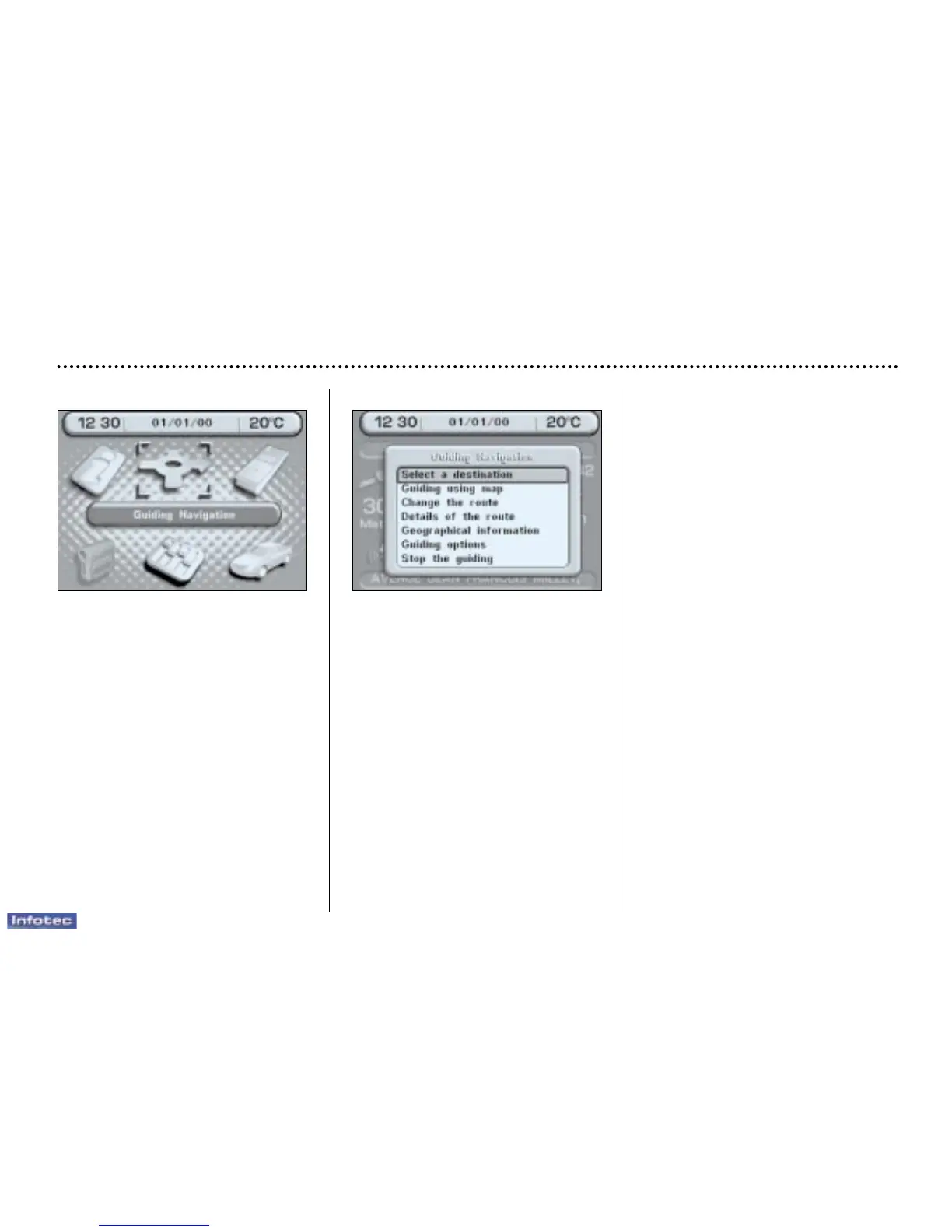
Main menu
– Switch on the ignition,
– Place the mapping CD-ROM in the
drive (if absent),
– Press the 'Menu' button to access
the Main menu,
– Select one of the following applica-
tions by turning the dial, then con-
firm:
• General information (see section
on ''Multi-function display - &
Colour screen''),
• Navigation / Guidance,
• Map.
Navigation / guidance
The ''Navigation/Guidance'' con-
text menu offers the following possi-
bilties:
– selecting a destination,
– guidance using a map,
– changing the route,
– details of the route,
– geographical information,
– guidance options,
– stopping/resuming guidance.
YOUR 607 IN DETAIL
81


 To Next Page