66
Virtual Horizon Tool in Live View
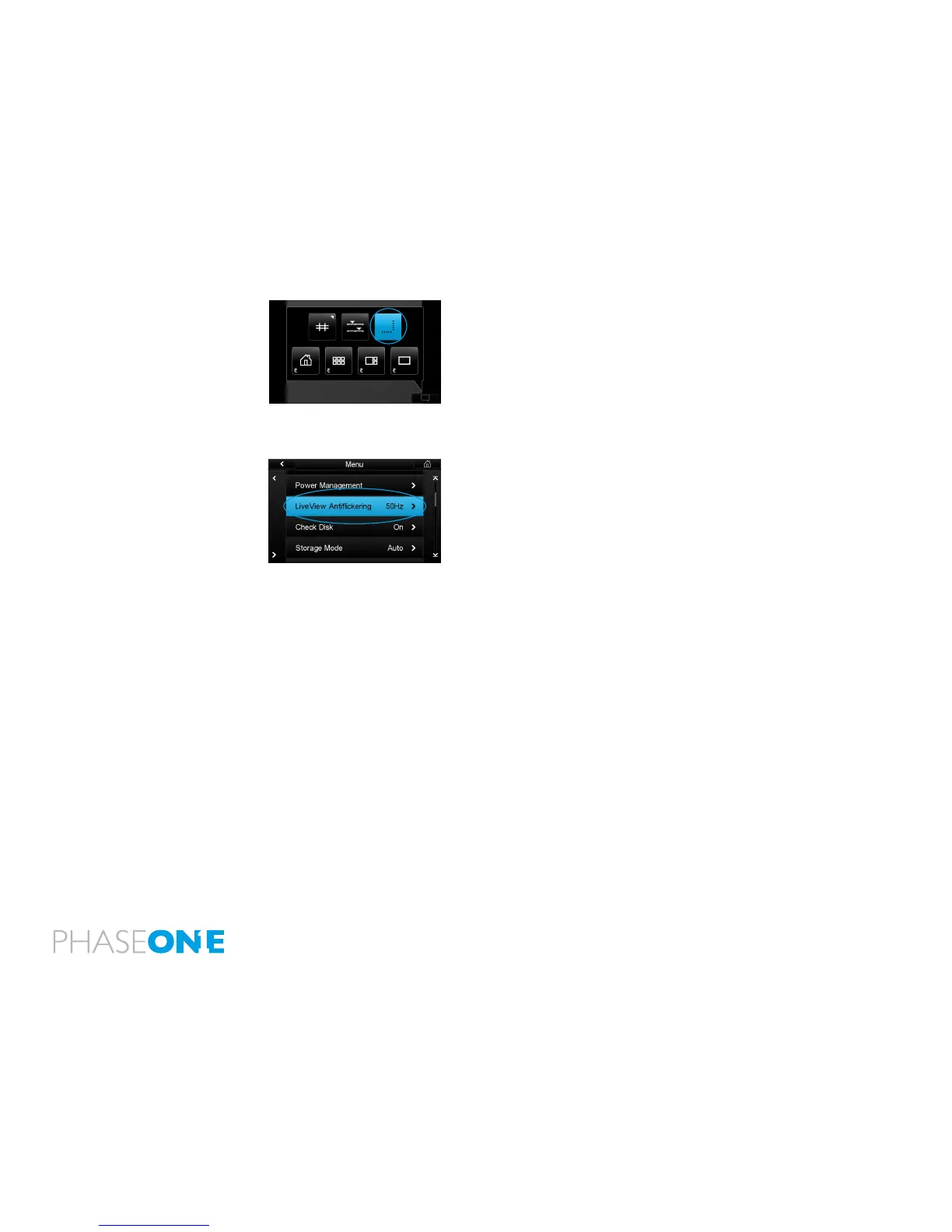
1. From Inside Live View, click on the contextual menu
2. Click on the top right button in the contextual pop-up. This will bring
up two bars, one below the Live View, and one to the right.
Now you can align both roll and pitch using the indication on the bars,
and you will get a clear indication when things are level.
Live View Anti-ickering
Depending on where you are located in the world, the power outlets
operates at different frequencies. In general it is either 50Hz (EUR) or
60Hz (US and parts of Asia).
To minimize the amount of ickering when using Live View with articial
light, you can setup the screen redraw frequency to either 50Hz or 60Hz
This is setup in the menu “Live View Antiickering”.



 To Next Page