iXH Camera Systems Installation Guide
Page 14
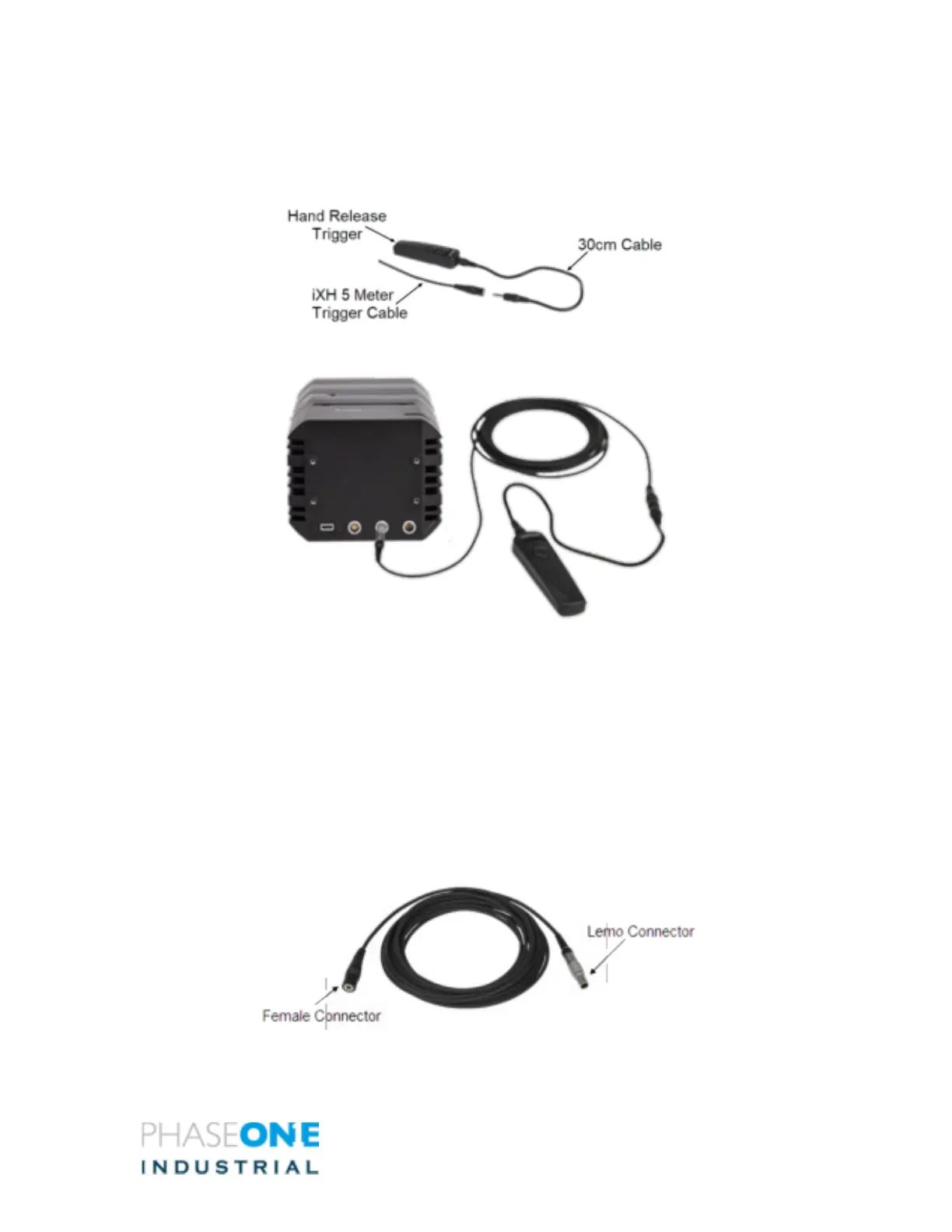
2. Connect the 30cm cable to the Hand Release Trigger.
3. Connect the other end (female Audio connector) of the iXH Hand Release Trigger
cable to the 3.5mm male audio jack of the 30cm cable.
7.2 Connecting a Foot Pedal
The Foot pedal is used to remotely trigger the iXH camera. Use the 5-meter trigger cable
to connect a Foot pedal unit to the iXH camera.
To Connect a iXG Foot Pedal:
1. Connect the LEMO-of the iXH trigger cable to one of the data terminals of the iXH
G camera.
2. Connect the other end (female Audio Connector) of the iXH hand release trigger
cable to the 3.5mm male audio jack of the foot pedal.



 To Next Page