iXH Camera Systems Installation Guide
Page 22
13 Connecting a new camera to Capture
One
To Connect a new camera to Capture One perform the following procedures:
1. Connect the camera to the computer running Capture One.
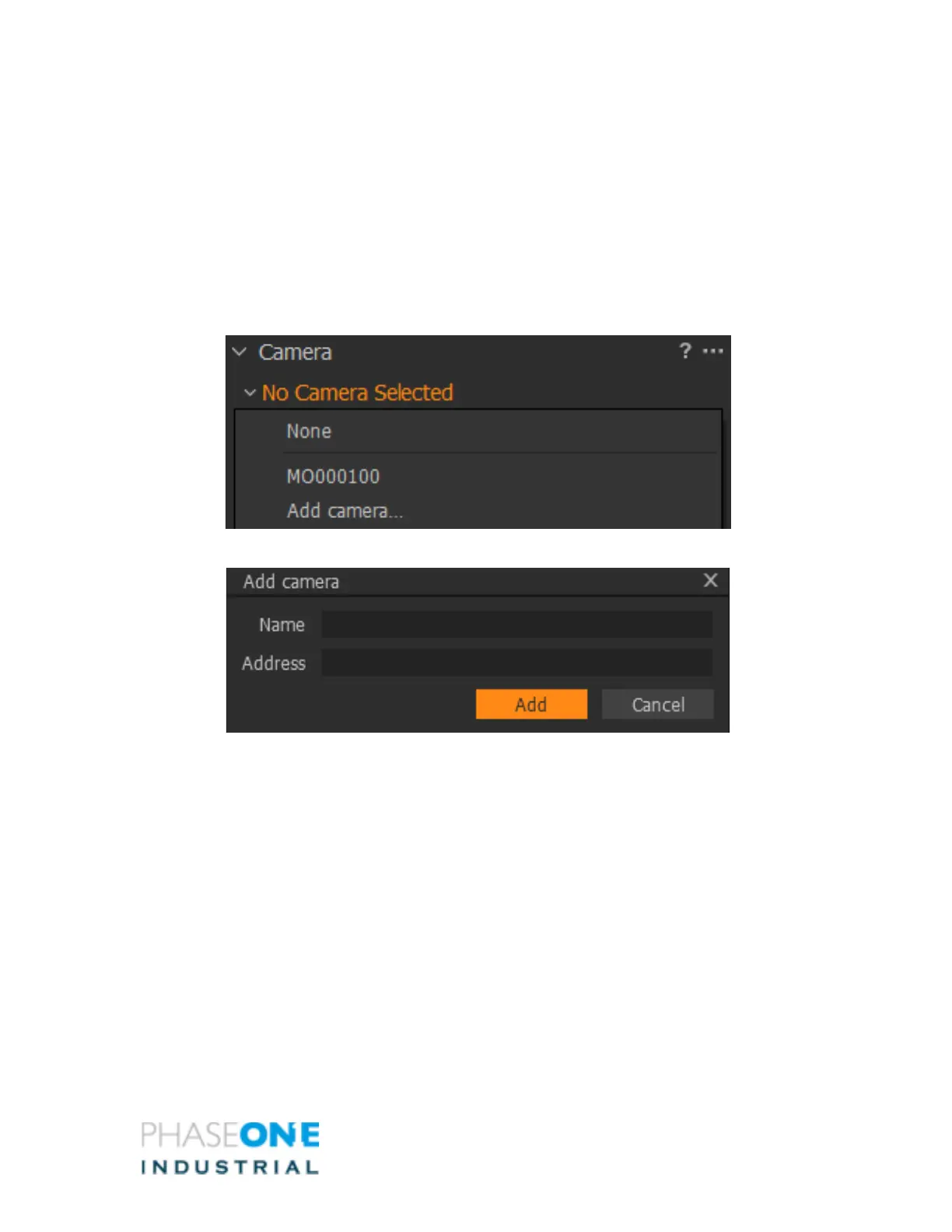
2. Click Camera > Camera Network Manager
3. Select Add Camera.
The Add camera dialog displays.
4. Enter a unique name and IP address for the camera.
5. After several seconds, the camera connects to the host computer.
6. If the camera does not connect over 10G, disconnect it from 10G and reconnect it
using a USB3 cable.
13.1 Verifying a camera’s IP address
To Verify Camera’s ID:
1. Connect the camera to Capture One using a USB3 cable.
2. Go to the tab: Camera_> Camera_settings_>_Network– 10G



 To Next Page