iXH Camera Systems Installation Guide
Page 33
16 Capturing Images
This section describes the basic steps required for capturing images, optimized in terms of
exposure resolution and sharpness. For more advanced instruction, please refer to
Capture One’s manual.
16.1 Shooting a Test Shot
To shoot a test shot:
1. Choose Camera.
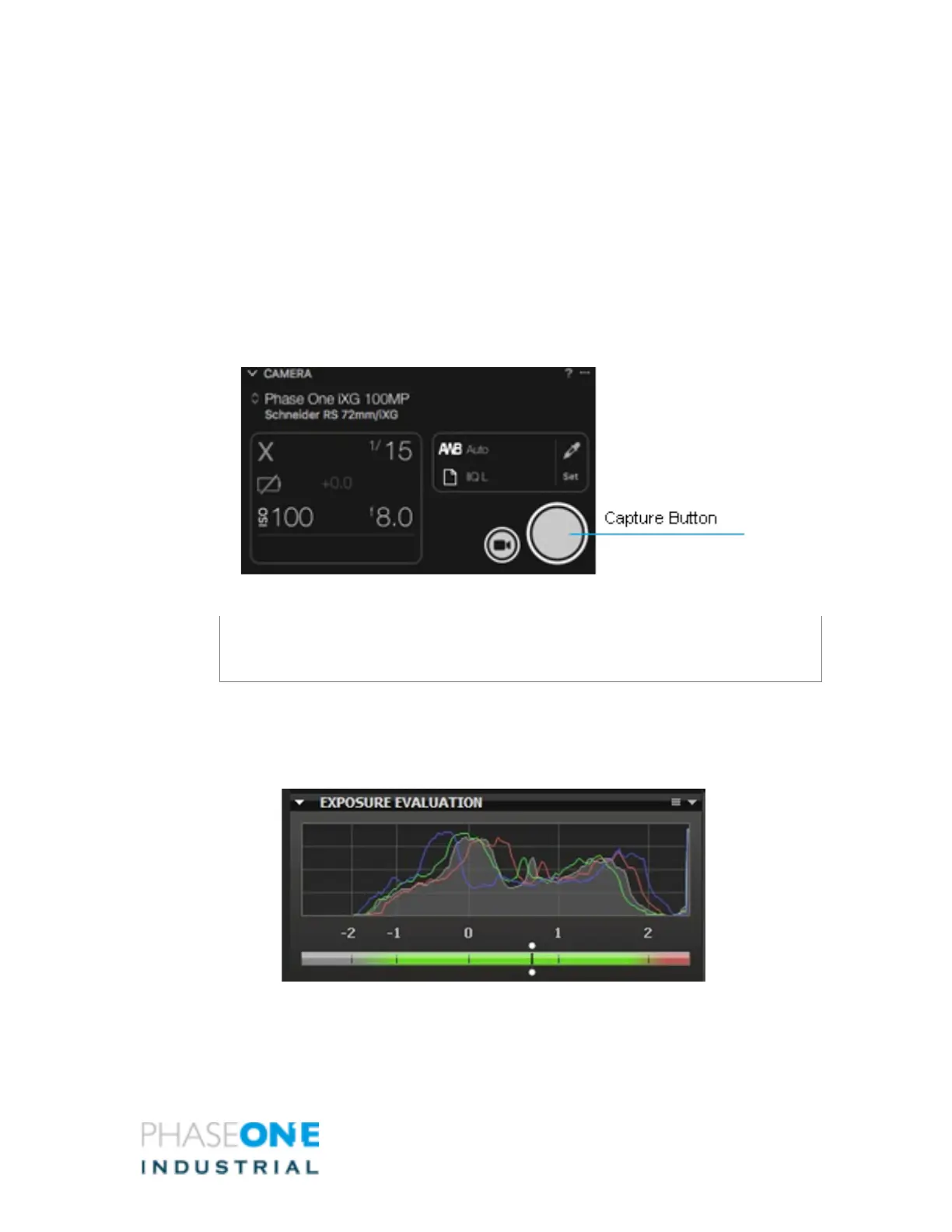
2. Click Capture or press the Capture button in the Camera Tool.
The image appears on your monitor.
Note:
You can also trigger the camera by using the hand release or foot paddle units.
16.2 Evaluating Your Shot
To evaluate your shot:
1. Check your exposure with the histogram and picker tool.



 To Next Page