iXH Camera Systems Installation Guide
Page 17
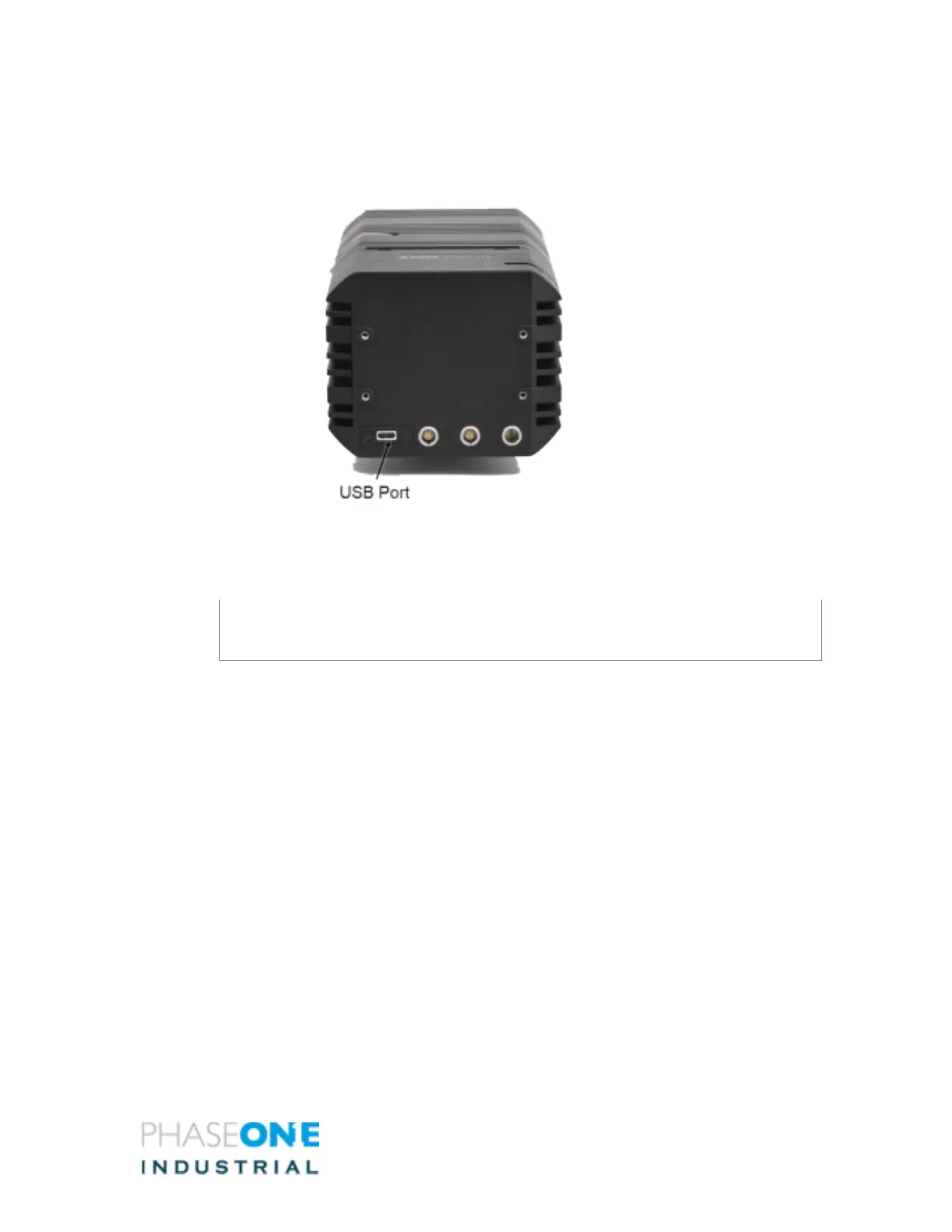
9 Connecting a USB-c Cable to a Computer
Connecting iXH to a computer using a USB-c cable:
1. Insert the end of the USB-c cable to the USB-c port of the camera.
2. Connect the other end of the USB-c cable to the USB port of your computer.
Note
For computers equipped with USB-c ports only, you will need a suitable cable or an
adapter.



 To Next Page