iXH Camera Systems Installation Guide
Page 12
6 Connecting Peripherals
This section describes the different peripheral devices, which can optionally be connected
to the iXH camera.
6.1 Attaching the iXH camera to a copy stand
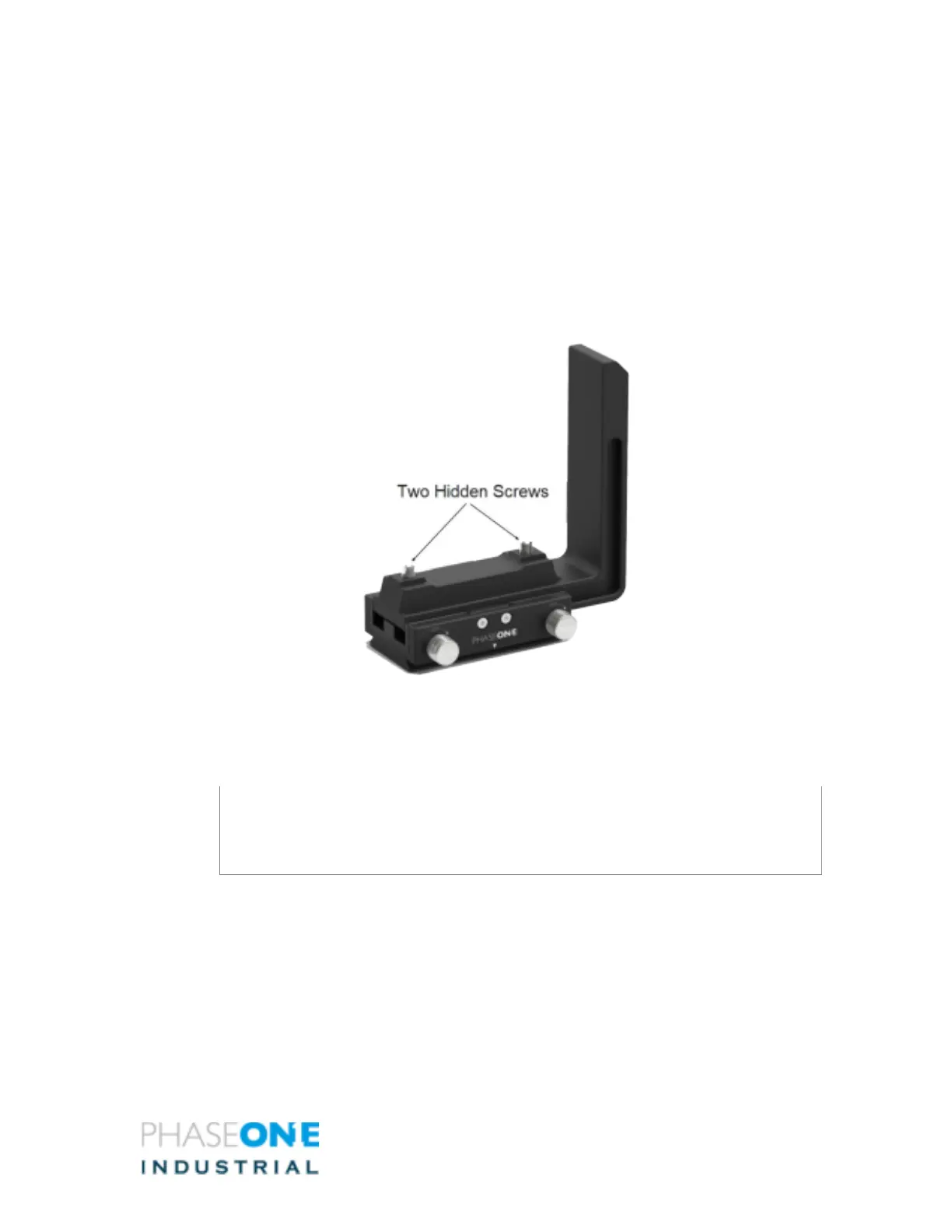
1. If not already attached, use the supplied 4mm Allen screwdriver to attach the
VHQ L Bracket to the iXH camera by its two (hidden) screws.
2. Attach and secure the camera onto the receiver on the Phase One copy stand. If
using a 3rd party copy stand you can use the 3/8’ threaded hole to mount it.
* (3/8” or 1/4” thread with an adapter)
Note
The VHQ L Bracket allows the camera’s position to be set in either "portrait" or
"landscape" position without removing the camera and while keeping the lens
centered.



 To Next Page