iXH Camera Systems Installation Guide
Page 29
15 Selecting Camera Controls and Settings
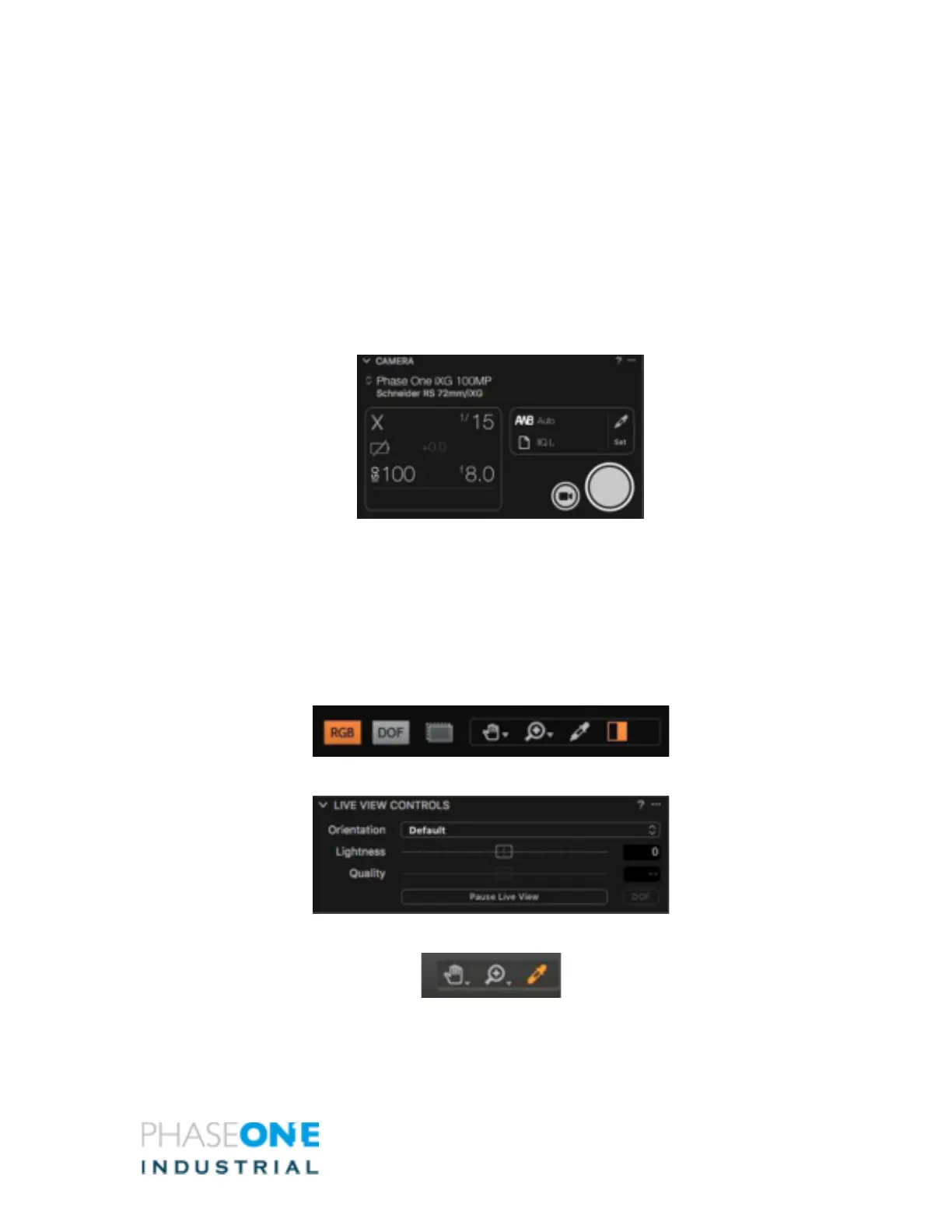
In the Camera Controls Section, make selections for:
• Shutter speed
• Aperture
• ISO
• White Balance (from the list or manually)
• File Format (IIQ-L 16/14-bit or IIQ-S)
15.1 Working with Live View
To work with Live View:
1. Start a Tethered session as described above.
2. Choose Window > Live View or press the Live View icon . The Live View session
starts.
3. Press RGB icon to switch between an RGB and a Black and White view.
4. Adjust Lightness and Quality as desired.
5. Set White Balance using the White Balance picker (WB is only for Live View).



 To Next Page