iXH Camera Systems Installation Guide
Page 30
6. Adjust the composition.
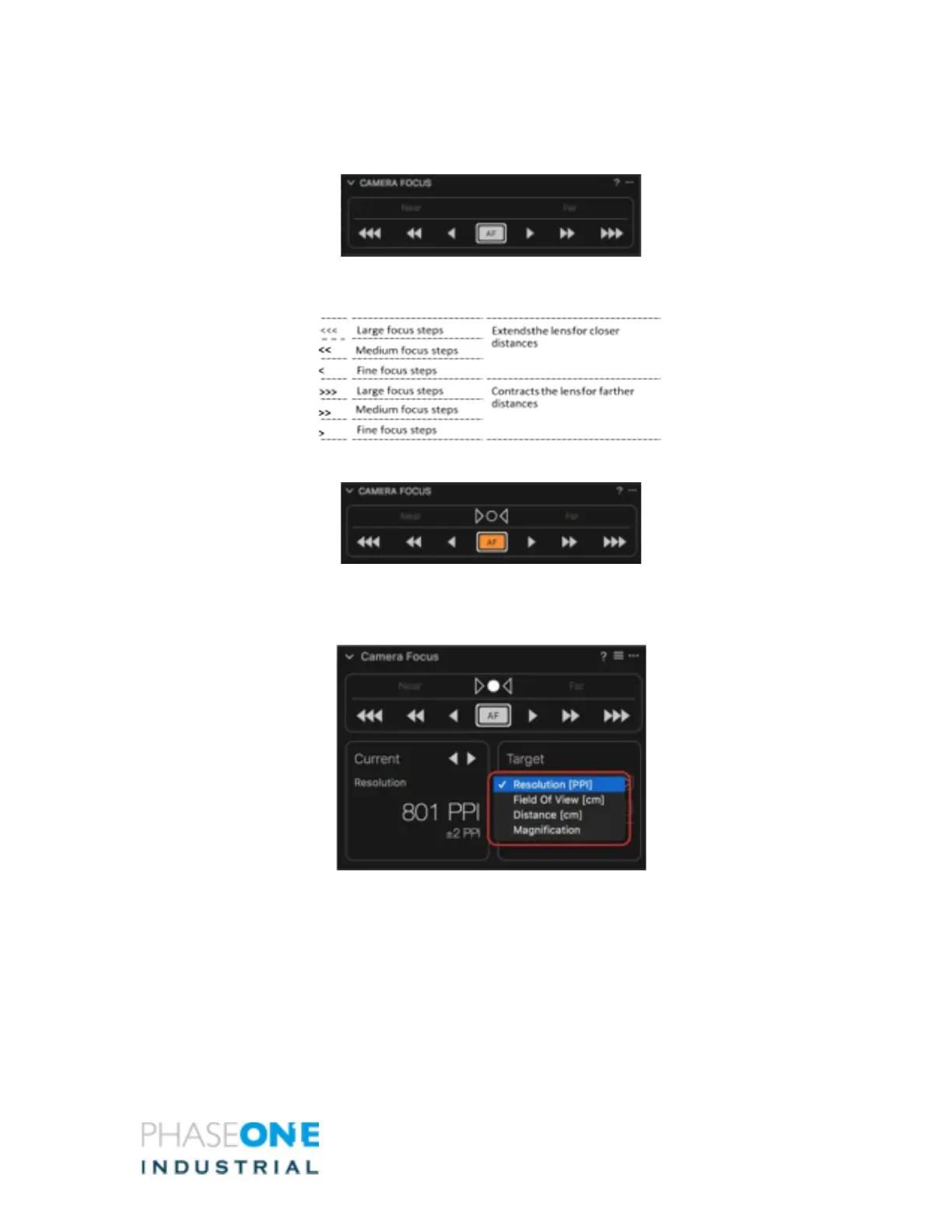
7. In the Camera focus tool, click on the focus arrows to focus the camera’s lens.
8. Click single arrows for fine focusing and multiple arrows for medium or large
focusing.
9. To use Auto Focus, press the AF button.
10. Select the desired Target unit from the drop-down menu in the Camera Focus
Tool, choosing either Resolution (PPI), Field of View (image dimension), Distance,
or Magnification.



 To Next Page