iXH Camera Systems Installation Guide
Page 20
11 Setting Date and Time on the iXH
camera
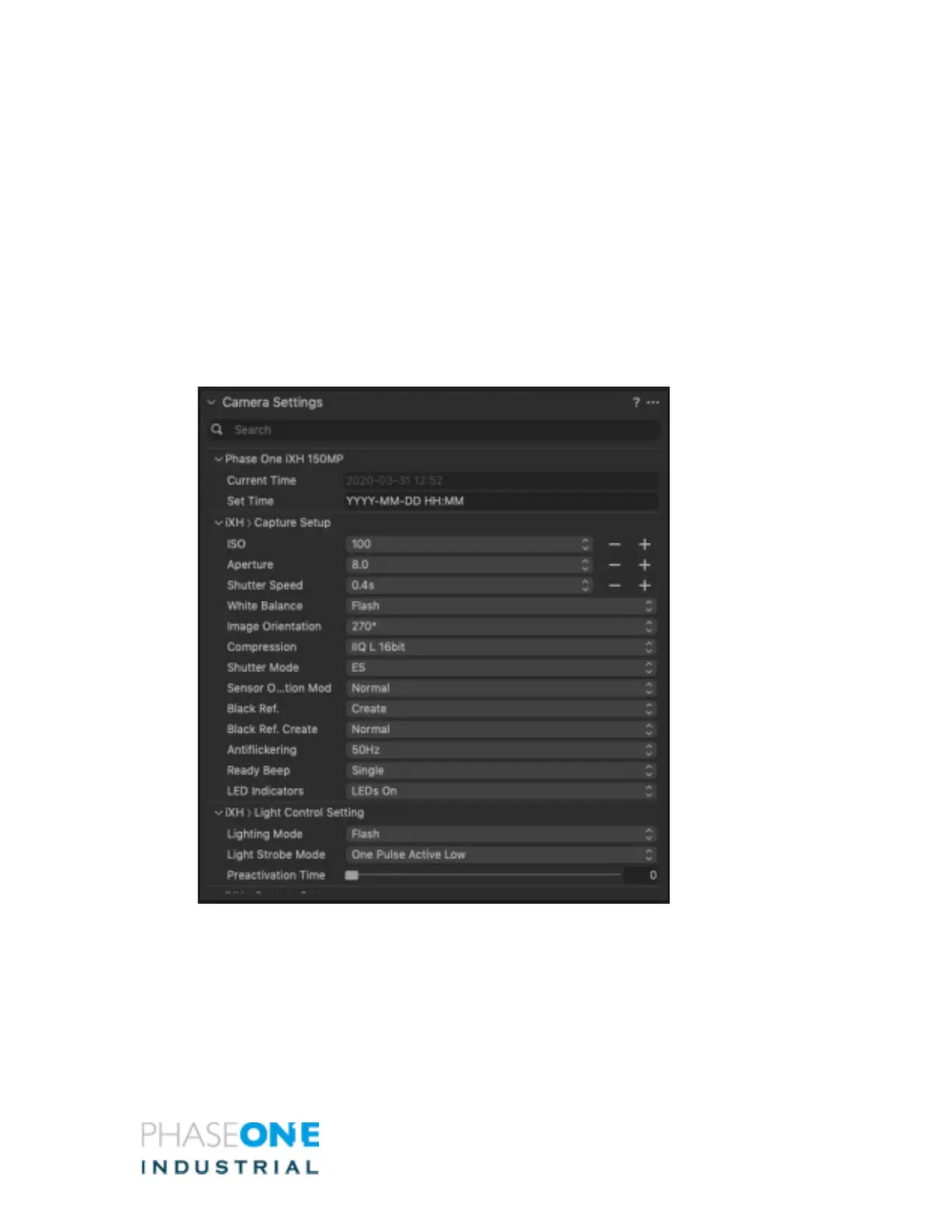
1. In Capture One, go to the Camera Settings Tool
2. The first field at the top shows the current date and time set on the camera
3. In the 2
nd
field you can type in your local Date and Time. This will override the existing
setting.
4. It is important to keep the YYYY-MM-DD HH:MM format
5. When done press the Tab key on your keyboard
3.



 To Next Page