iXH Camera Systems Installation Guide
Page 8
4 Dismounting a Lens from the iXH Camera
Lenses on the iXH series of cameras are easily dismounted.
Note:
Ensure that you only dismount lenses in a clean environment. Place the detached
lens on a soft cloth on the table to avoid scratching the lens.
To dismount the lens:
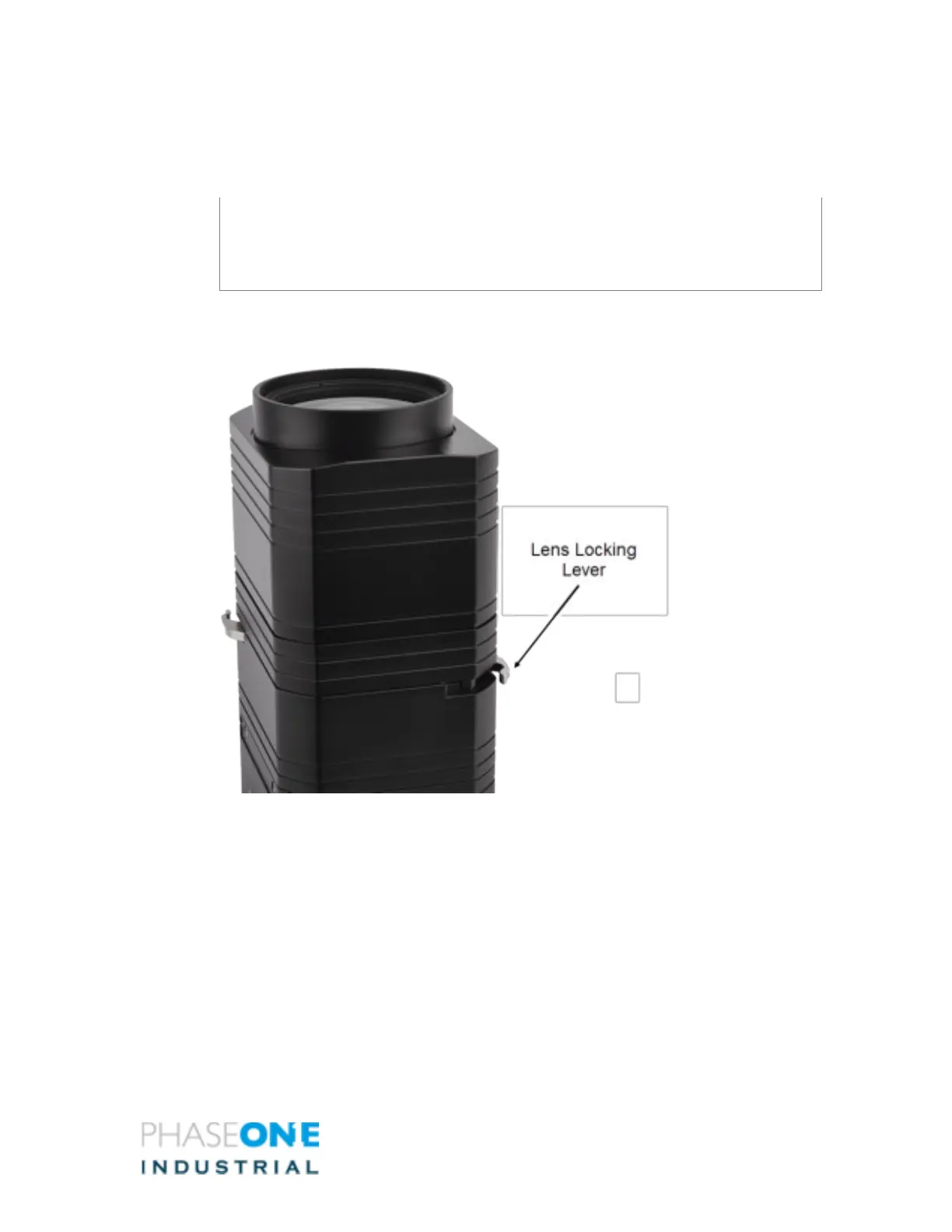
1. Release the lens' locking lever
Figure 3 –Lens Locking Lever
2. Remove the lens by pulling it gently away from the camera



 To Next Page