iXH Camera Systems Installation Guide
Page 9
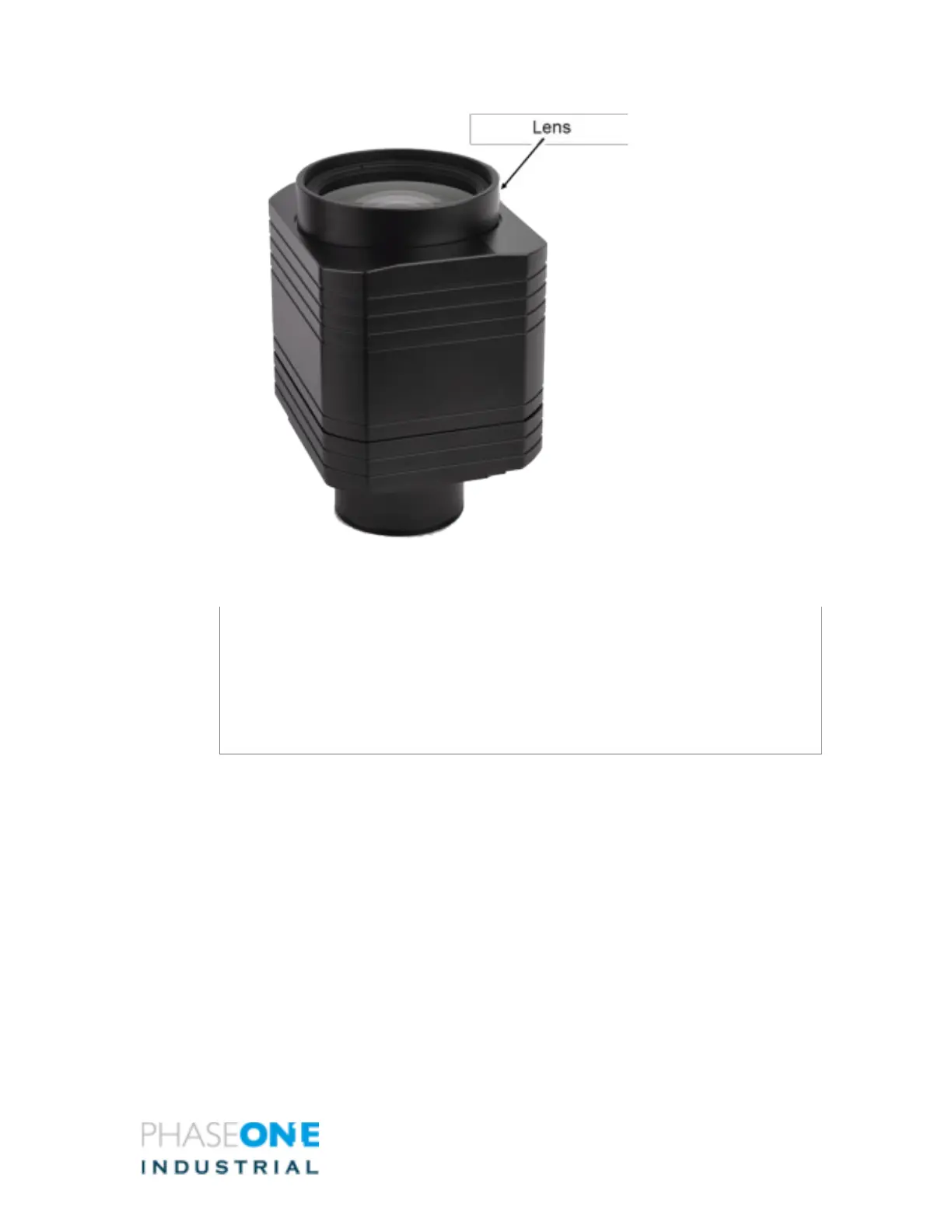
Figure 4 –A Lens
Note:
If no lens is being mounted, ensure that the camera is stored in a way to protect it
from dust, moisture and other damage. When the iXH camera is mounted facing
down always make sure (double check) that the lens is well secured by having the
lens locking levers engaged.



 To Next Page