iXH Camera Systems Installation Guide
Page 15
7.3 Connecting Flash Sync Cable
The Flash Sync Cable is used to trigger a Flash device (a generator or a wireless
transmitter).
To connect the Flash sync cable:
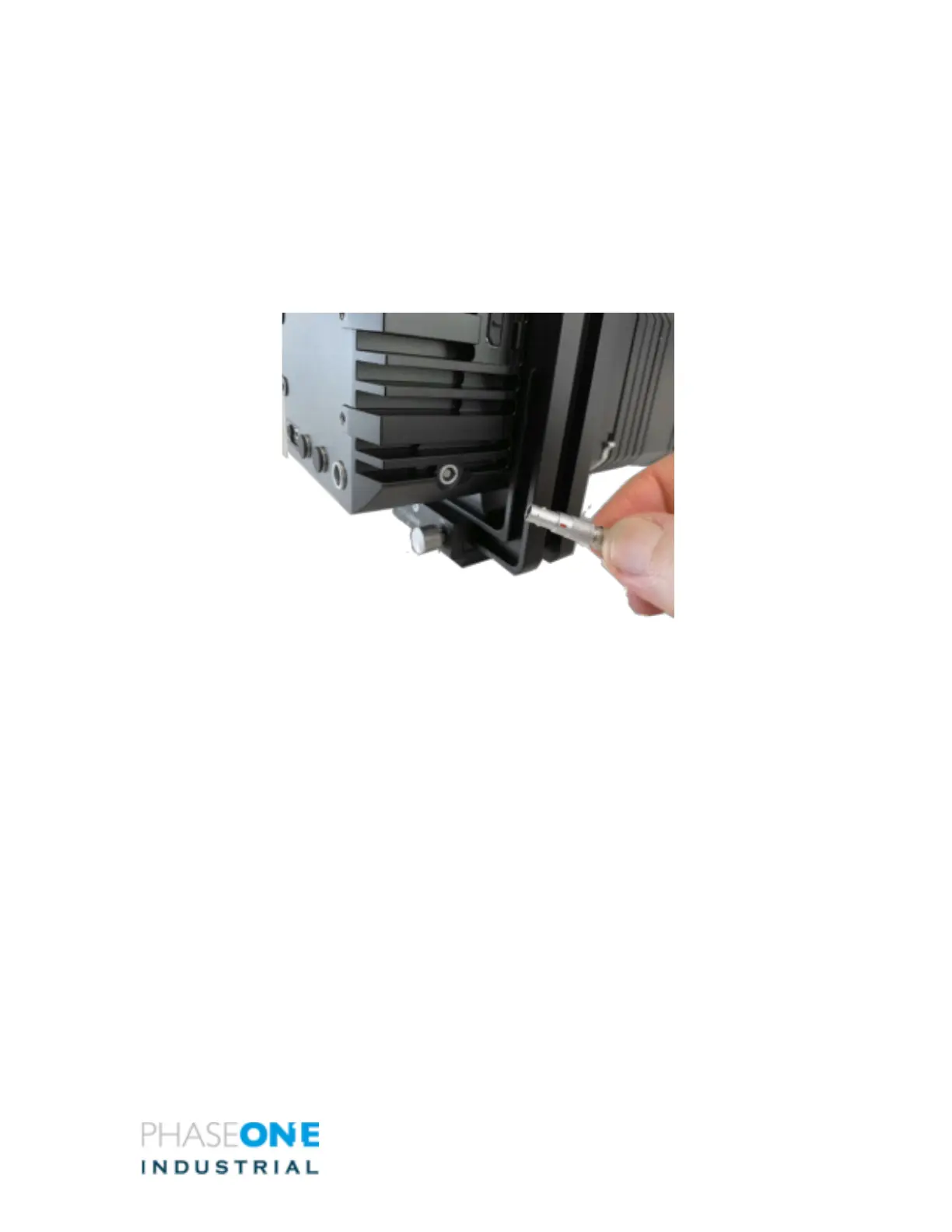
1. Connect the Lemo connector of the Flash sync cable to the iXH camera’s sync
terminal on the right hand side of the camera.
2. Connect the cable’s other end (Audio connector) to the Flash device.
Figure 7 – Flash Connector



 To Next Page