iXH Camera Systems Installation Guide
Page 31
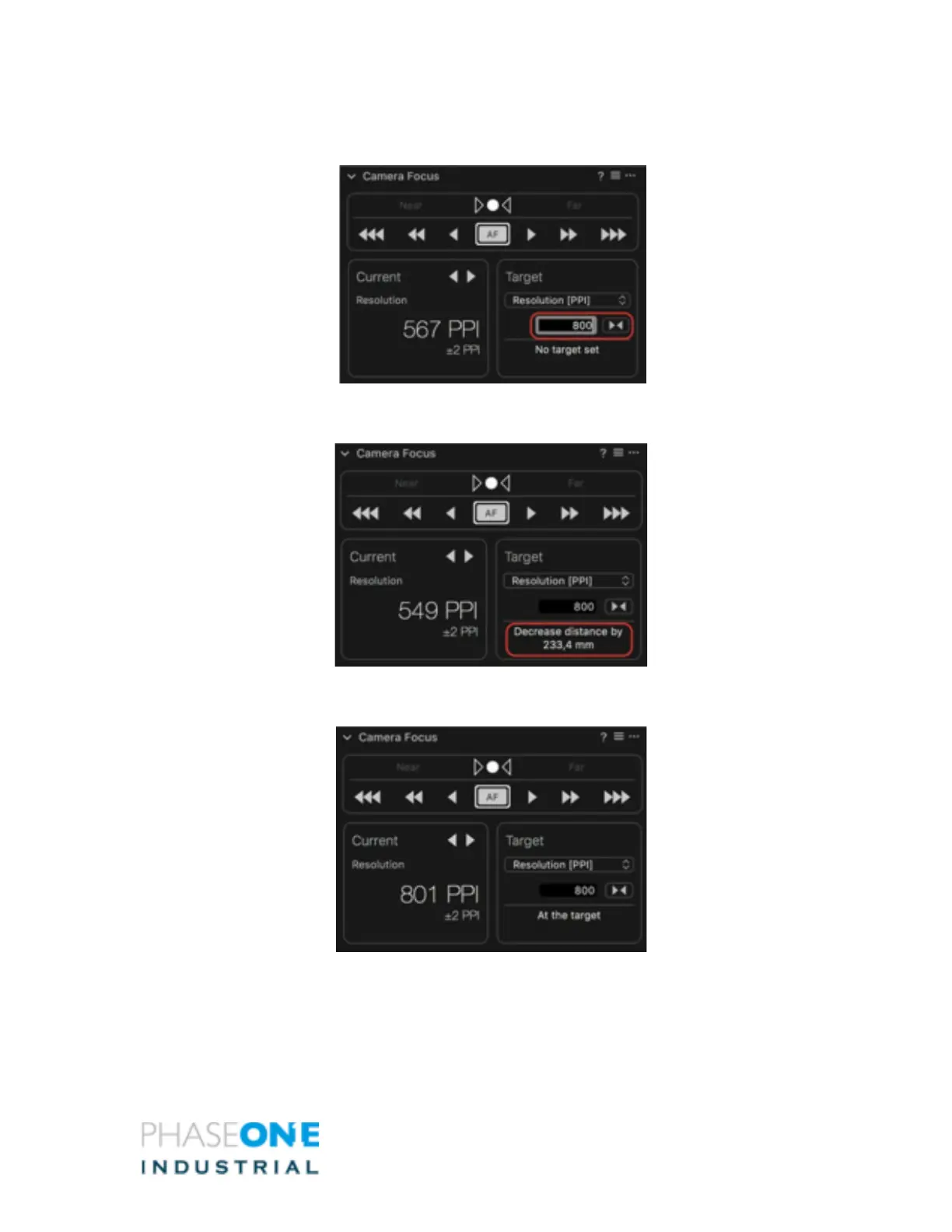
11. Enter the Target value in the field and click on the button next to it to apply the
value.
The Camera Focus tool will now indicate how far the camera has to move on the copy
stand to reach the desired target resolution.
12. Adjust the camera position on the copy stand and press AF again. The Tool will
recalculate distance and resolution and advise if further adjustment is required.
13. A Focus Meter frame will appear in the center of the image preview, you can grab
and move it to the area in the image that you wish to place focus on. The camera



 To Next Page