iXH Camera Systems Installation Guide
Page 32
will automatically move the lens Up/Down until focus is achieved and the frame is
shown in Orange.
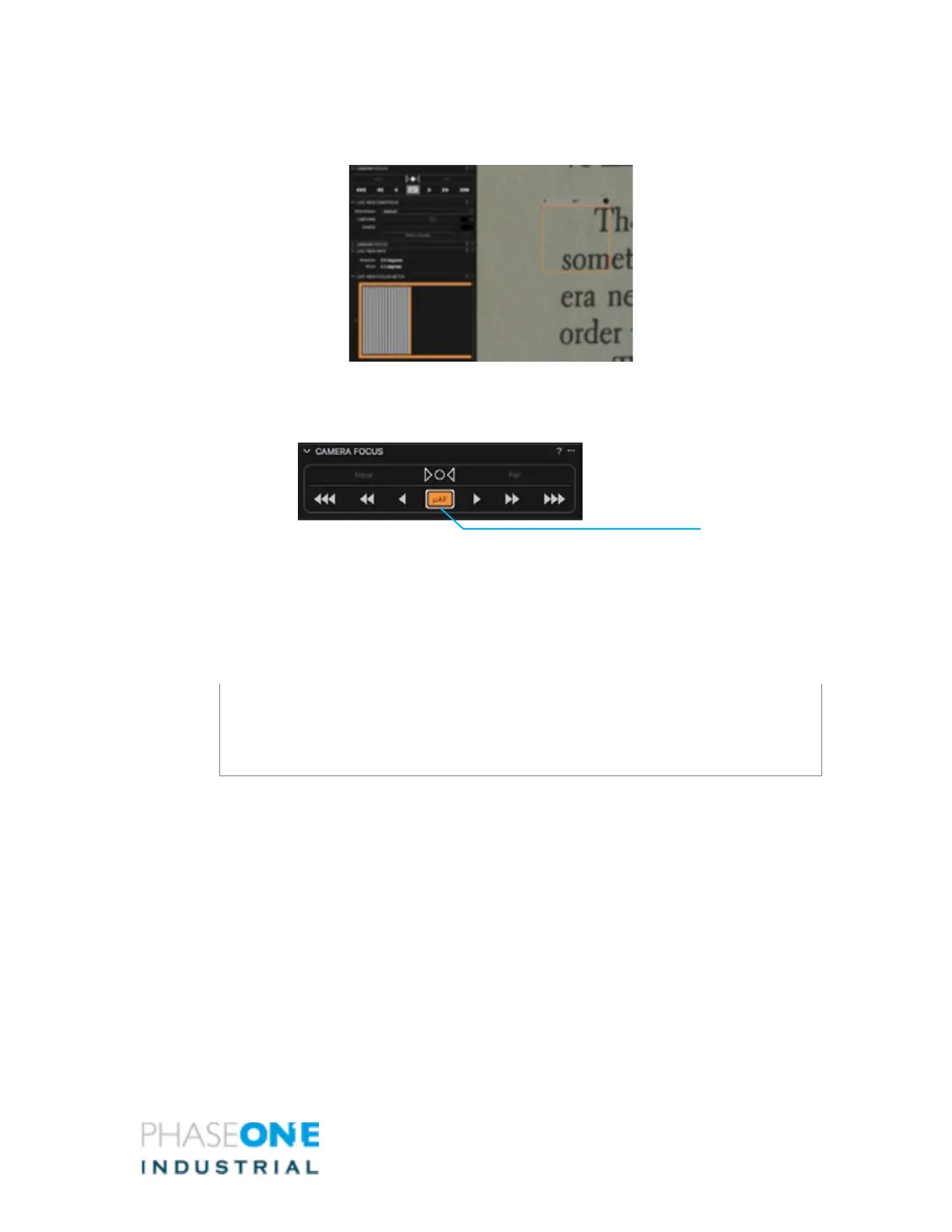
14. To use Fine Auto Focus, press and hold the Alt Key and then press the AF button.
The sign on the button will change and the camera will make small adjustments to
focus.
If the camera is already set to a close range from the focus plane, you can hold the Alt key
and then press the AF button. The sign on the button changes to µAF and the camera
refocus by smaller focusing steps.
To set Fine Focus as the default mode, click on the “…” sign at the top right corner of the
Camera Focus Tool and select AF Mode: Fine. The sign of the AF button changes as shown
above.
Note:
For optimal results, reduce the Focus Meter frame’s size and zoom in to 100% on the
area of interest
15. Close the Live View window.



 To Next Page