iXH Camera Systems Installation Guide
Page 27
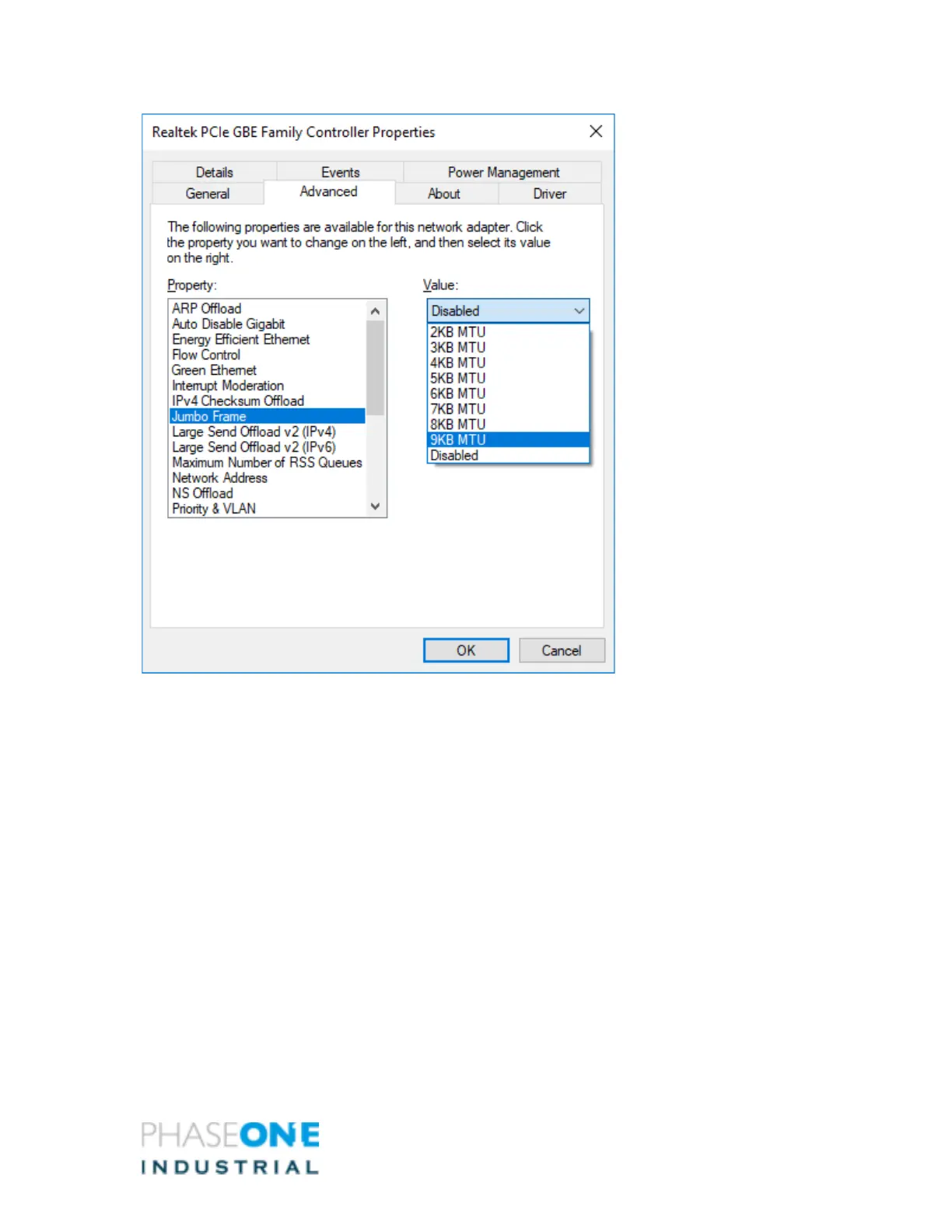
5. Select Jumbo Frame and the required value for your system, (e.g., 9kB MTU [9,014 Bytes])
depending on the NIC.
6. Click OK to all dialogs. • _NOTE: When you make this change, the NIC loses network
connectivity for a few seconds.
7. Reboot to ensure the change takes effect.
8. Approve all changes.



 To Next Page