iXM-GS120 Operation Guide
6. Preparing the Camera
Page 18 of
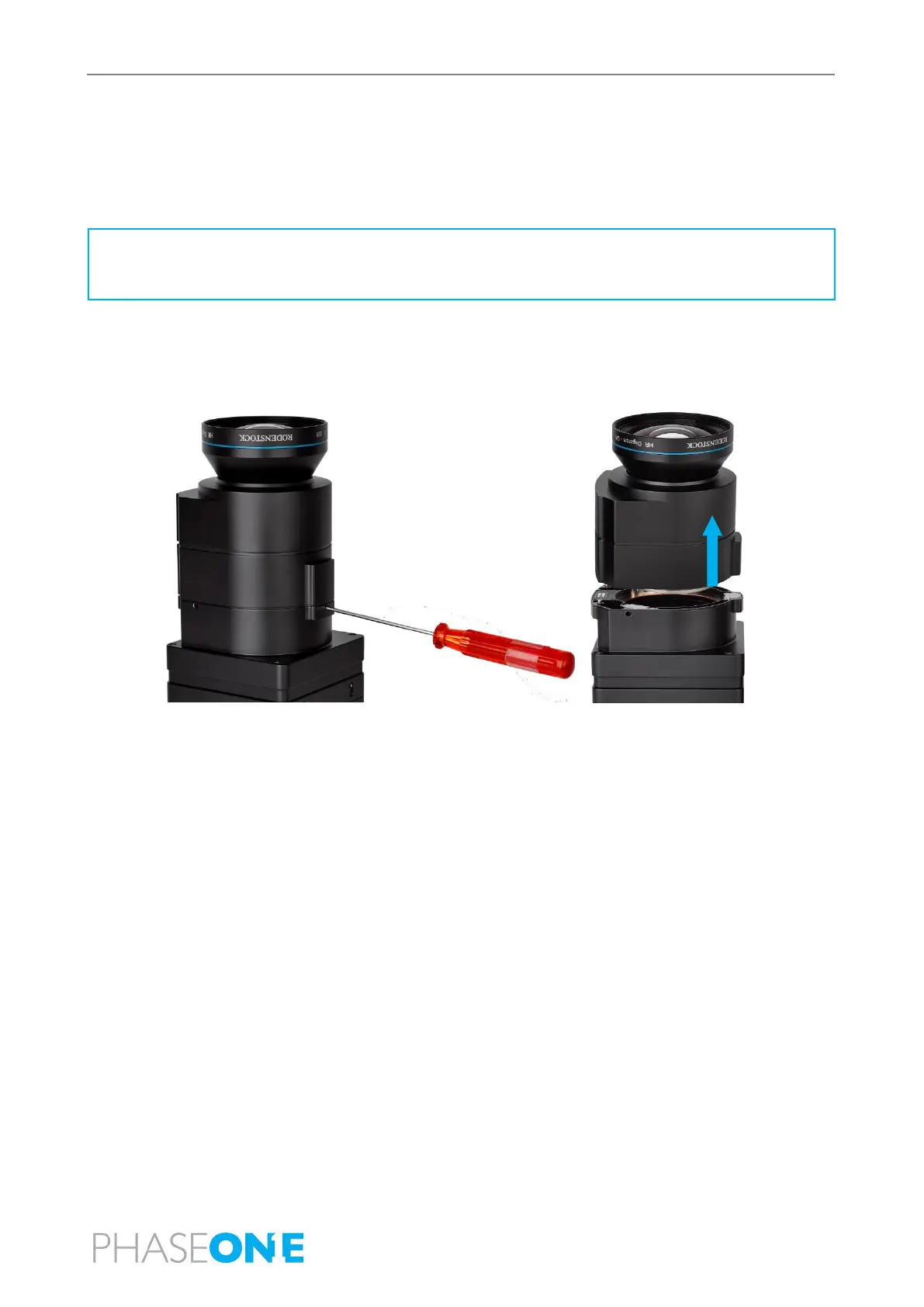
6.4 Dismounting a RS Lens
To dismount the lens from an iXM-RS:
1. Use a 2 mm hex key to unscrew the three lens screws.
2. Pull the lens assembly away from the camera.
3. Place a rear cap on the lens.
Note
The screws remain attached to the camera.



 To Next Page