Connecting to an external monitor
1 Connect the VGA Y connector marked ‘Projector’ (5a), of an optional VGA Y-cable, to the
Computer (in) socket of your projector.
2 Connect the VGA cable supplied (1) between the computer and the VGA Y connector
marked ‘Computer’ (5b).
3 Connect the VGA Y connector marked ‘Monitor’ (5c) to the VGA cable (6) of the monitor.
4 Switch on your Computer.
5 Switch on the projector.
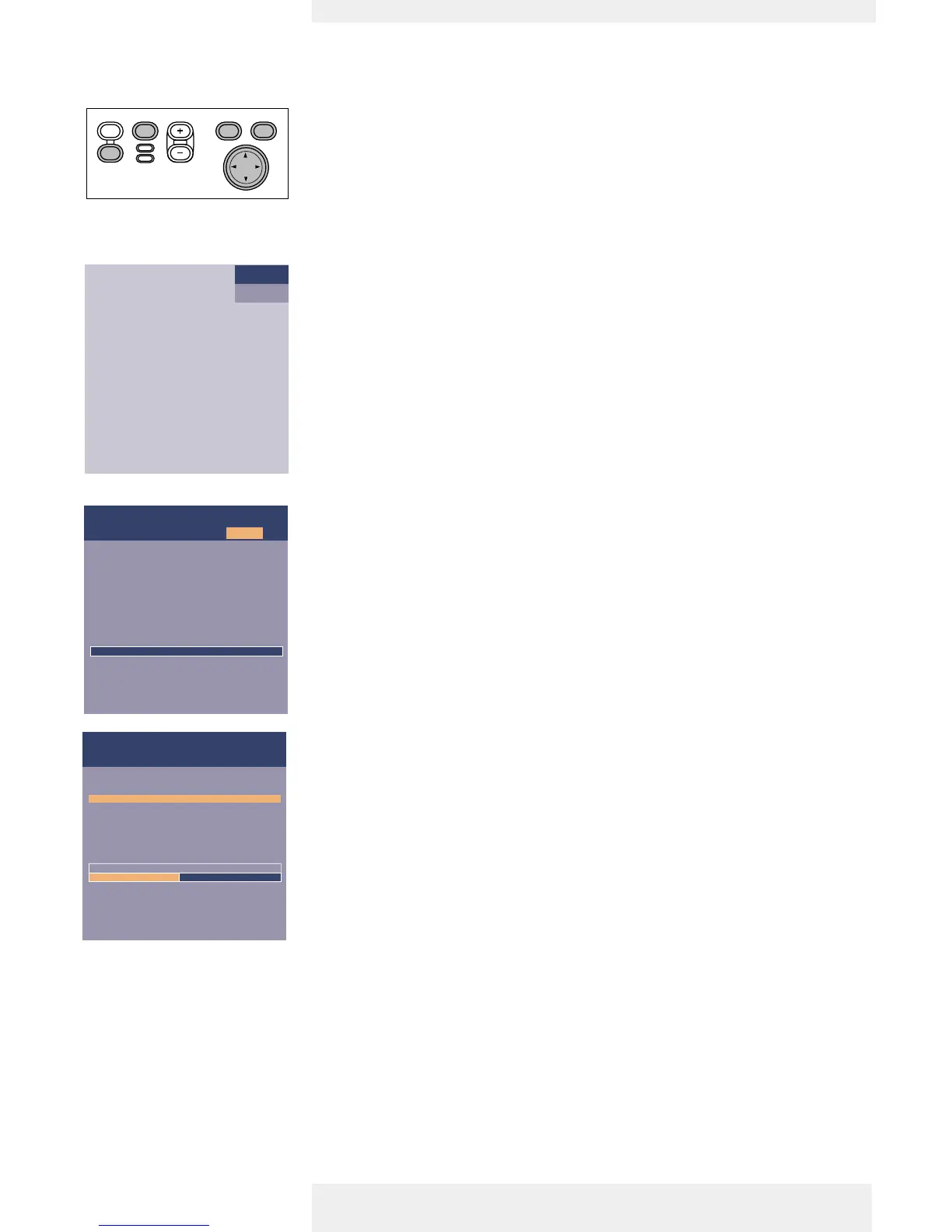
6 Select ‘Computer’ input, using the Source button.
–‘Computer’ appears on the screen.
7 Press Menu.
– The menu bar appears on the screen.
8 Use Cursor Control to select ‘Settings’ in the menu bar.
9 Use Cursor Control to select ‘Monitor out’.
10 Use Cursor Control to select ‘On’.
– The projector will indicate the necessity to connect the Y-cable.
11 Switch on the external monitor.
– The image projected is simultaneously shown on the monitor.
Philips Home Cinema Projector English User guide Garbo 16
4. Installation
Off On
Picture
Language
Kestone correction
Monitor out
System information...
Factory reset
Key lock
(more)
Display Audio Settings
Monitor out is to be activated if an extra monitor
is connected to the projector. Otherwise it should
be de-activated and no special Y-cable should be
connected.












 To Next Page