Shift
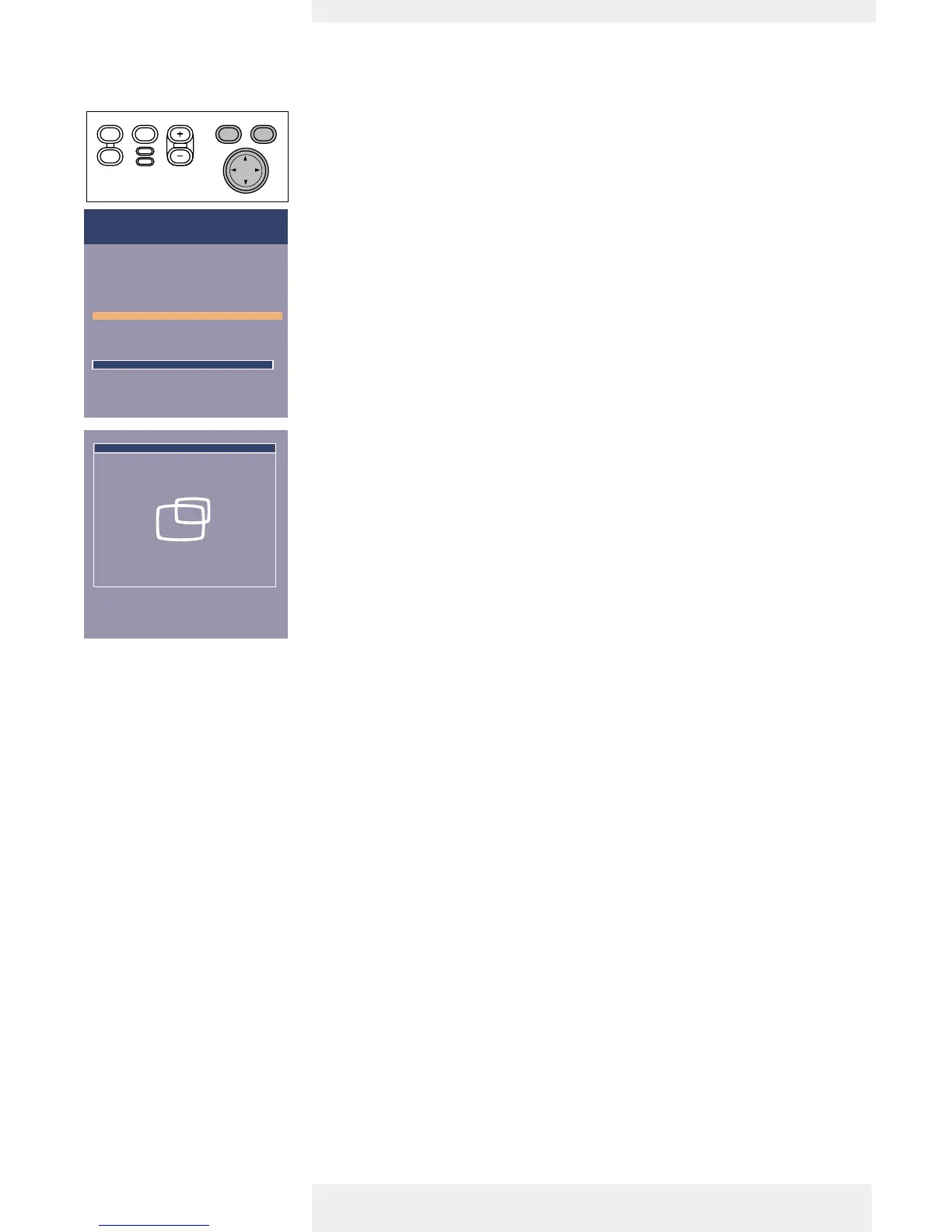
The Shift function adjusts the computer image in horizontal and vertical direction to centre it on
the screen.This function is only active when ‘Auto image’ is set to ‘Off’.
1 Press Menu.
– The menu bar will appear.
2 Use Cursor Control to move the cursor to ‘Display’.
3 Use Cursor Control to move the cursor to ‘Shift’.
4 Press OK to activate Shift.
5 Use Cursor Control to position the computer image.
6 Press OK to confirm and store the adjustment.
7 If required, select the next item to be adjusted or press Menu to exit.
Philips Home Cinema Projector English User guide Garbo 25
5. Operation On Screen Display Menu












 To Next Page