27User manual
• Send for correction: The dicttion
le is moved to the Finished
dicttions folder nd the sttus
is set to Correction pending. A
text document (.rtf) contining the
trnscribed text is ttched to the
dicttion le.
• Sve s drft: Mrk recording s
suspended to temporrily interrupt
recording nd nish it lter. The
recording is sved in the Suspended
folder.
Oine speech recognition
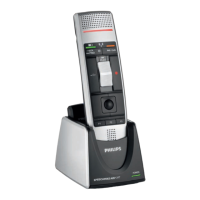
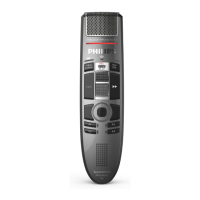
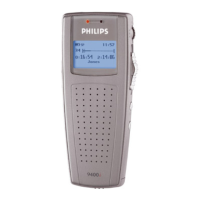
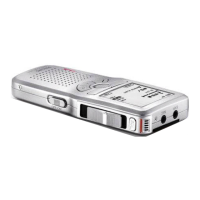
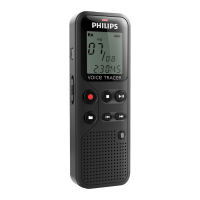
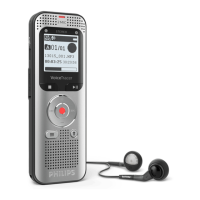
Record dicttion on your dicttion
recorder nd hve your dicttion les
trnscribed by Drgon fter downloding
them from your dicttion recorder to
SpeechExec.
1
Downlod previously recorded le
from your Pocket Memo or SpeechAir
(see Downlod recordings from
dicttion recorder) or crete
new dicttion le in SpeechExec by
selecting New from the toolbr
or the File menu (see Crete
recording).
2
Select one or more dicttion les from
the work list.
3
Click the Add to Drgon speech
recognition queue button on the
toolbr to queue the selected les for
speech recognition in the Recognition
nd dpttion queue pnel.
4
Click the Strt recognition queue
button in the Recognition nd
dpttion queue pnel to strt the
speech recognition process.
X When the speech recognition
process is nished, the dicttion
le is moved to the Finished
dicttions folder nd the sttus
is set to Correction pending. A
text document (.rtf) contining the
trnscribed text is ttched to the
dicttion.
Note
• The nme of the user prole in
Drgon NturllySpeking must be
identicl to the SpeechExec uthor
nme nd the uthor nme used for
recordings on hndheld dicttion
recorder. The speech recognition
softwre cnnot recognize dicttions
if the Drgon prole nme nd the
uthor nme dier. In this cse,
contct your dministrtor.
• Speech recognition is not supported
for the following dicttion les:
• .wv les with smpling rte of
less thn 11kHz.
• Encrypted dicttions



 To Next Page