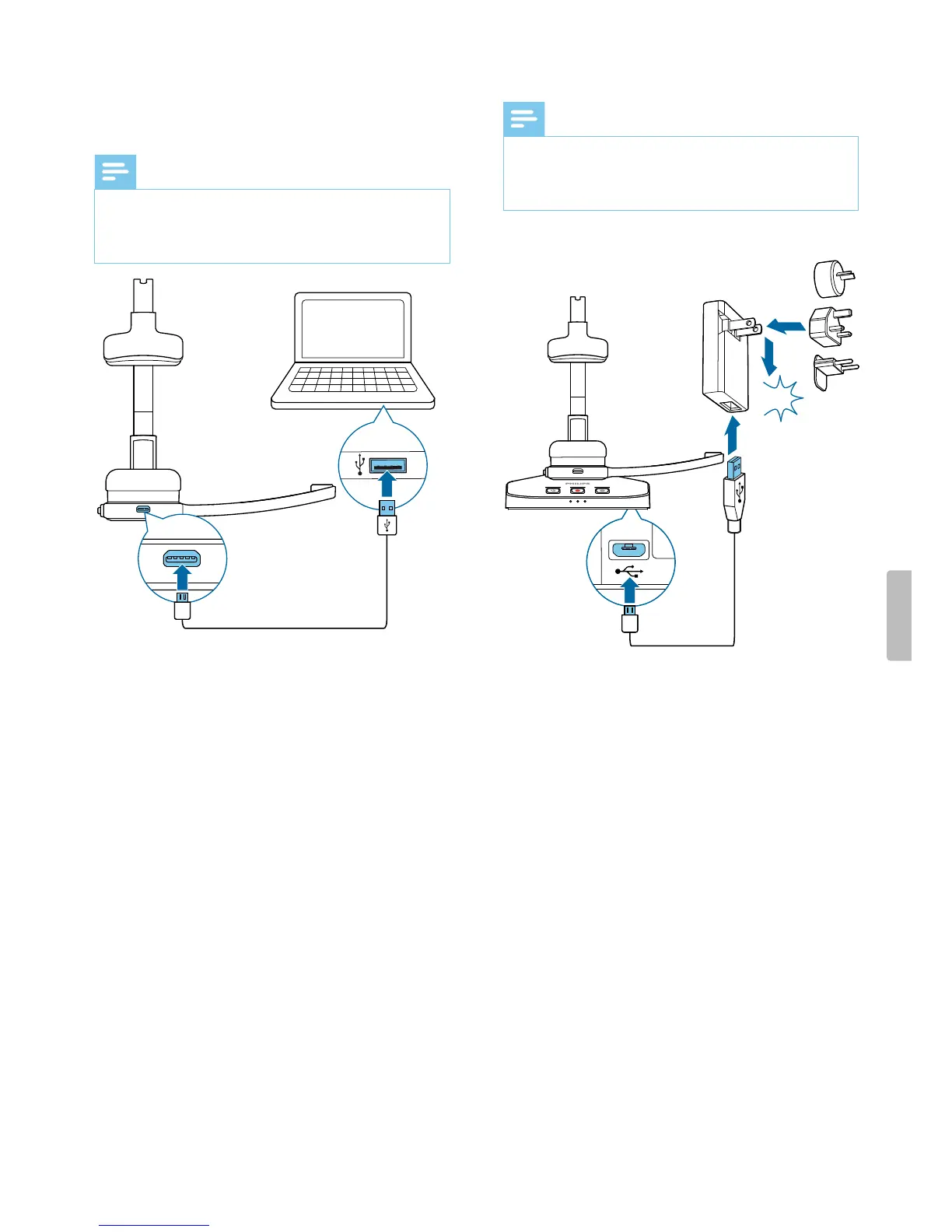
Chrge vi computer
Before you chrge the bttery vi computer, mke sure
tht your computer is turned on.
Note
• Recording is not possible if only your SpeechOne is
connected to the computer. To mke recording,
you lso need to connect the docking sttion to the
computer.
X During chrging, the sttus LED on the hedset is
shing.
X When chrging is complete, the sttus LED on
the hedset stops shing nd strts glowing
constntly.
Chrge vi USB power supply unit (optionl)
Note
• For fst chrging, you need USB power supply unit
with t lest one mpere. The power supply unit is not
included nd needs to be purchsed seprtely.
• A complete fst rechrge cycle tkes bout one hour.
CLICK
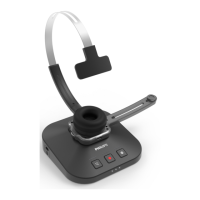
X During chrging, the bttery LEDs on the docking
sttion subsequently light up in loop until the
hedset is either removed or fully chrged.
X When chrging is complete, ll three bttery LEDs
on the docking sttion glow white.
10 Get started


 To Next Page