4 Use your SpeechOne
Note
• Any opertions, e.g. recording or conguring
your SpeechOne with SpeechControl driver nd
congurtion softwre, hve to be executed with
the docking sttion connected to your computer. Do
not connect the SpeechOne directly to the computer
vi USB cble for this purpose. Connecting the
SpeechOne directly to the computer is only intended
for chrging the device.
Wering styles
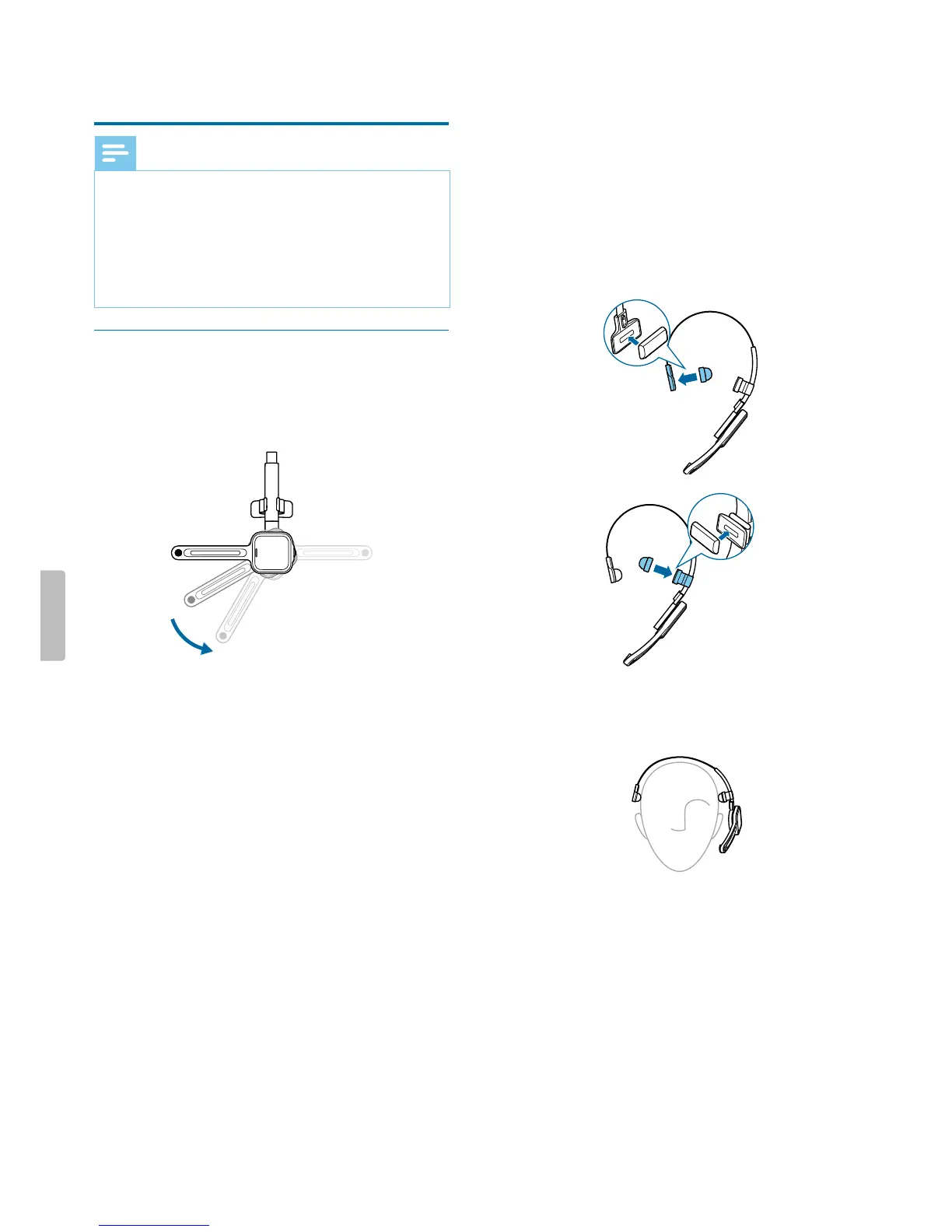
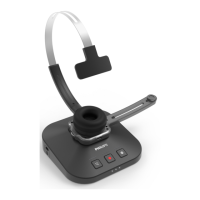
You cn wer the SpeechOne hedset on the left or on
the right side. Simply rotte the microphone boom by
180 degrees.
180°
For best wering comfort, you cn wer the hedset in
the following wys:
Wering with the hedbnd ttchment
To djust your hedset perfectly to your hed nd
chieve the best wering comfort, you cn use the
supplied hedbnd ttchment.
1
Rotte the microphone boom if you wnt to chnge
the wering side.
2
Attch one of the two hed cushions to the hed
cushion pd nd one to the hedbnd ttchment.
3
Lengthen or shorten the hedbnd until it ts
comfortbly.
X The speker should be ligned with the center of
your er.
13Use your SpeechOne


 To Next Page