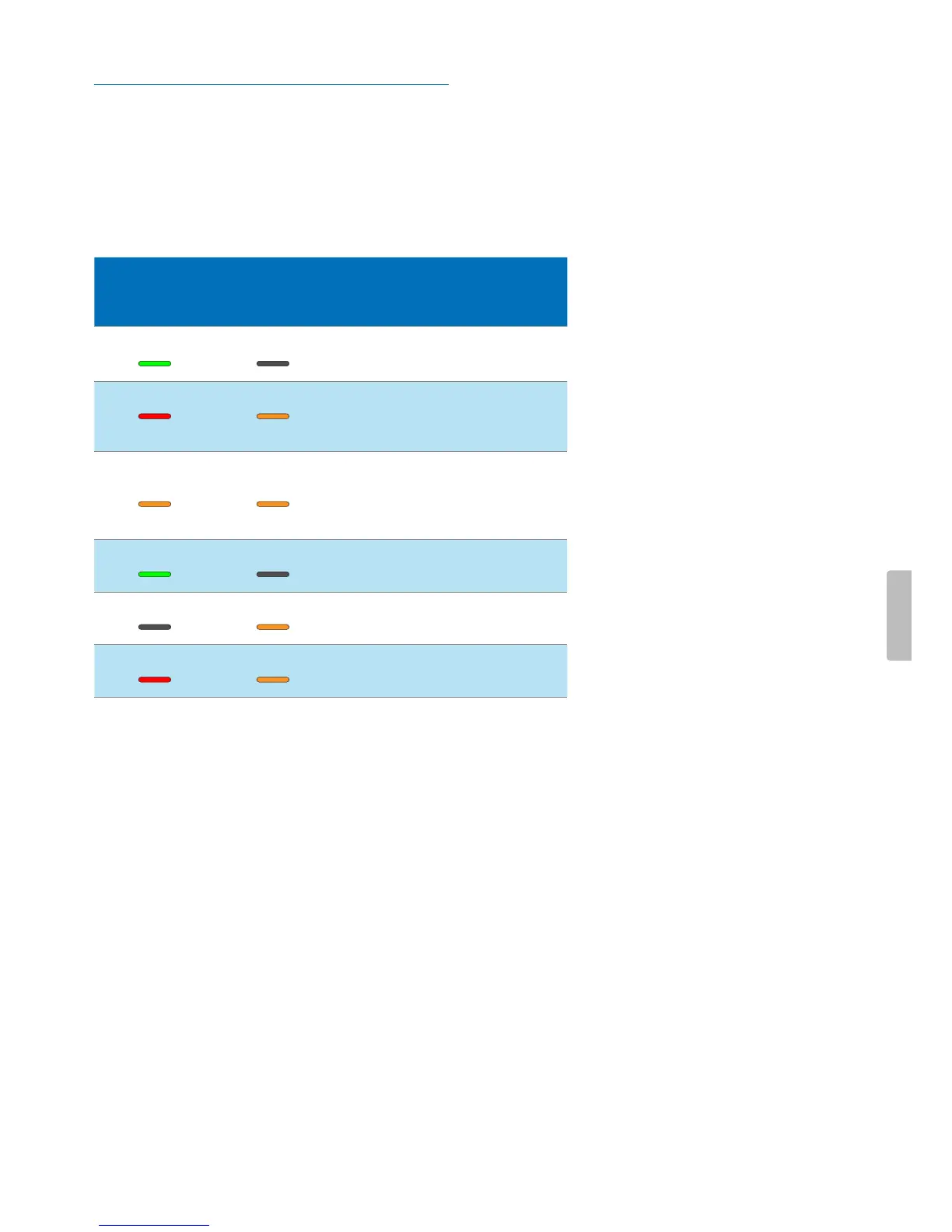
LED colors nd menings
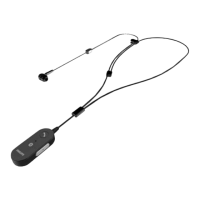
The LEDs on your SpeechOne nd the docking sttion
indicte the connection nd bttery sttus s well s
problems tht might occur when using your SpeechOne
nd the docking sttion. Use the following tble to lern
more bout the connection sttus, bttery sttus, nd
potentil problems:
SpeechOne
LED
Button LEDs
on docking
sttion
Bttery LEDs
on docking
sttion
Mening
green o • sttus
displyed
• connection OK
red ornge • sttus not
displyed
• connection
interrupted or
lost
ornge ornge • sttus
displyed
• wireless
connection OK
but no USB
connection
green shing o • sttus
displyed
• Idle mode
o ornge • sttus not
displyed
• SpeechOne
power o
red ornge • sttus not
displyed
• no piring
26 Service and support


 To Next Page