14 First steps
4 First steps
Use the installation guide on the following pages to start using your
device quickly and easily.
Caution
• Follow the instructions on handling the device, especially the
batteries and rechargeable batteries (see also chapter 1.1.1
Batteries and rechargeable batteries, page 5).
4.1 Inserting the batteries
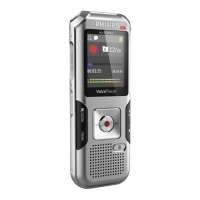
Your device is supplied with two AAA batteries.
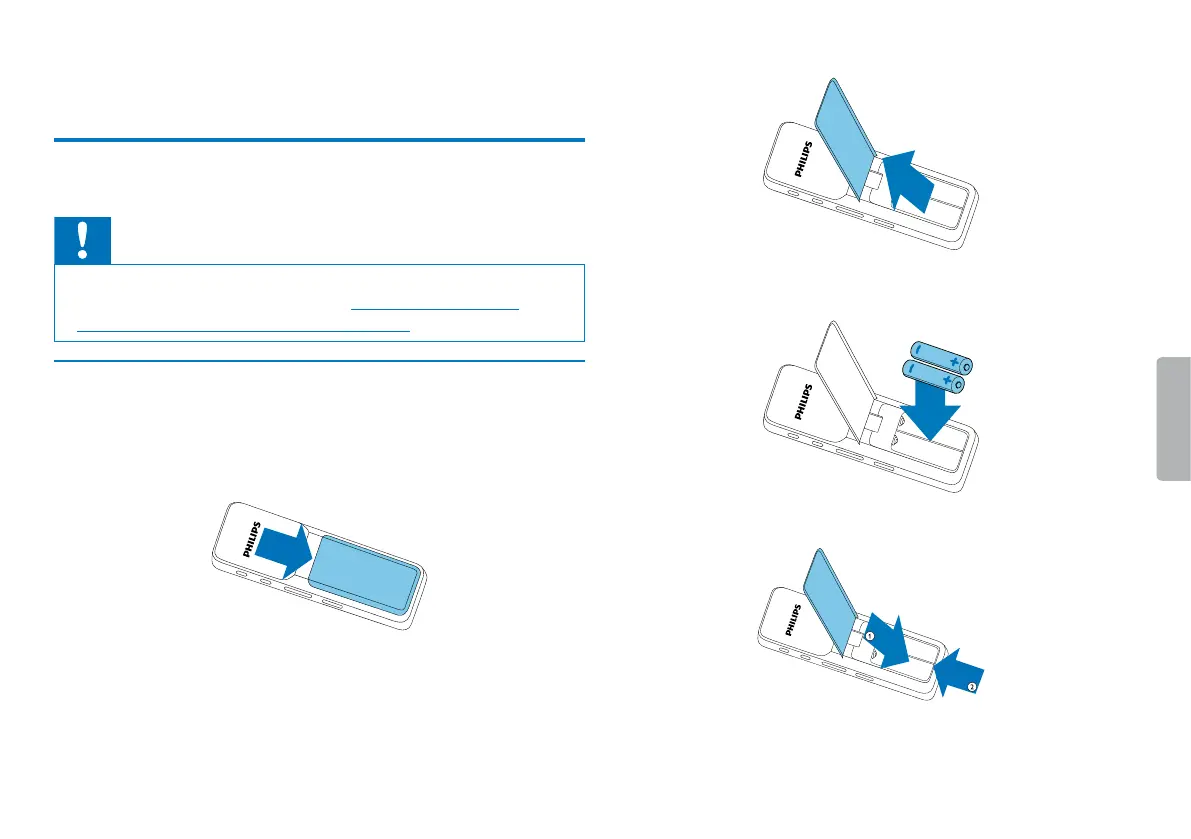
1
Slide the battery compartment cover downwards.
2
Fold the cover out.
3
Insert the batteries or rechargeable batteries as shown into the
device. Make sure the polarity is correct.
4
Fold the cover in. Push the cover up until it engages.



 To Next Page
 Loading...