54 EN
SP REC: MP3 format, bit rate: 32kbps.
SLP REC: MP3 format, bit rate: 8kbps.
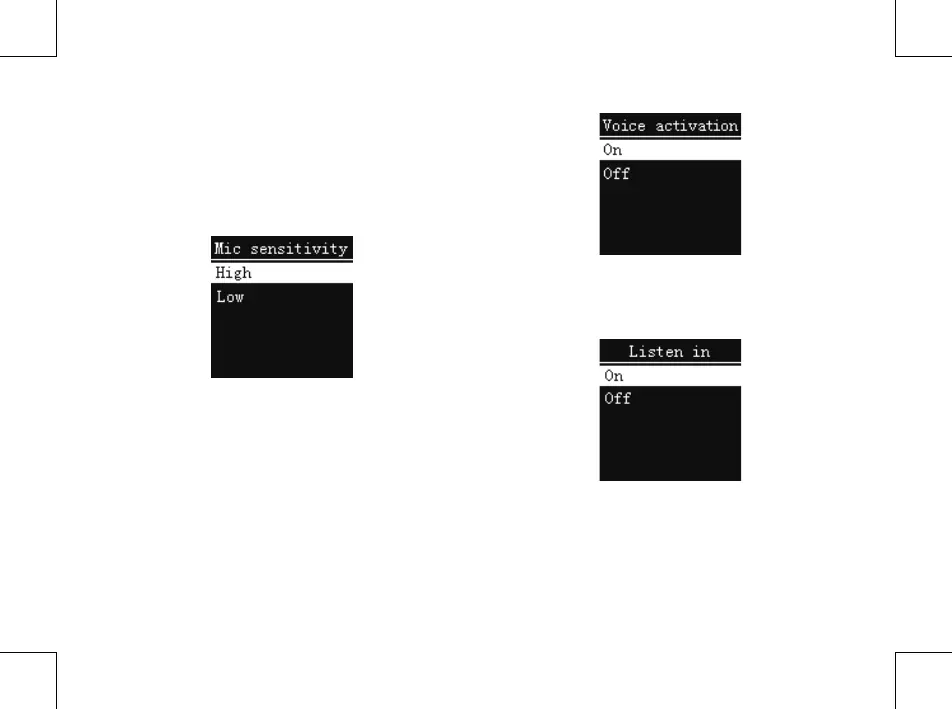
(2)MIC sensitivity
From the Functions Menu select “MIC sensitivity”, then press
MENU button to enter “MIC sensitivity” Menu, in which
there are two MIC sensitivity to select: High, Low. Choose a
dierent microphone gain can achieve dierent record eects.
(3)Voice activation
This is a practical function of recording, no button operation
is needed. When the function is enabled, in the course of
recording, if no voice is detected, the device will automatically
pause recording after 3 seconds; if voice is detected again, the
device resumes recording. See the below related reference
picture:
(4)Listen in
After activating the Listen In function, you can connect an
earphone to listen if there’s any sound output. See the Listen
in function setting interface picture as follows:
(5)Record Timer
first pre-set a length of time, when system time reaches the
pre-set time, the system automatically starts recording. On
the functions menu, choose the “Record Timer”, then press
the MENU button to enter “Record Timer” setting. See the















 To Next Page