EN 55
below reference picture:
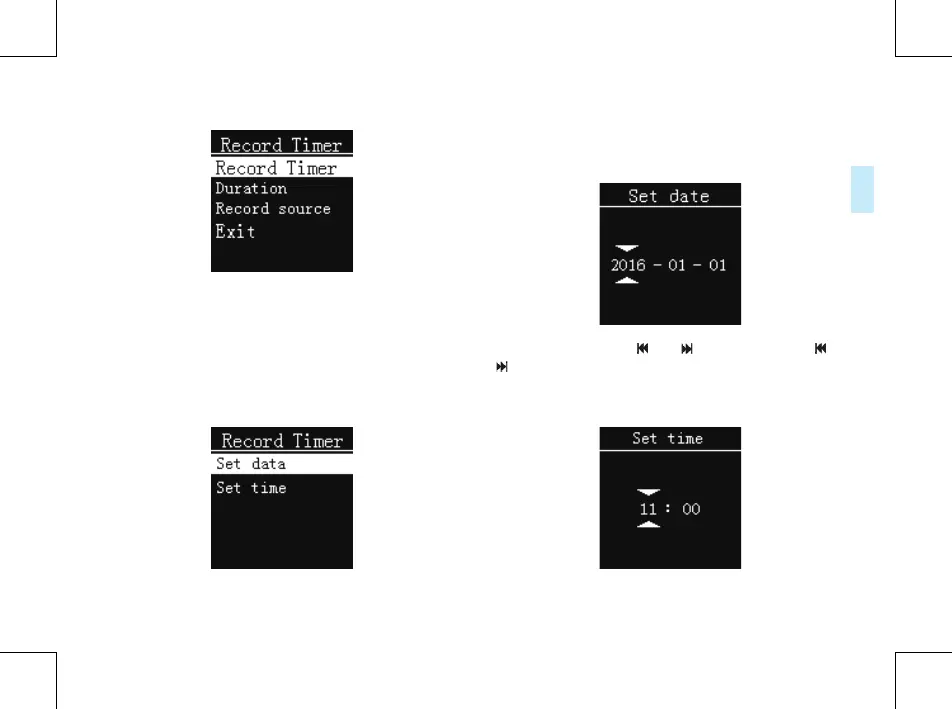
In this interface, you can choose to " Record Timer” menu
option set the time to start recording, choose"Duration"
menu option set the timing recording time, choose
the"Record source"menu option set the audio source.
Record Timer:
From the “Record Timer” Menu select “Record Timer”, then
press MENU button to enter “Record Timer” Menu.
See the below reference picture:
On this interface, you can set a time, as the system time
turns the set time, the system automatically starts recording.
For instance: choose “Set date”, the following interface will
pop up:
On this interface, press “ ” or “ ” to set time. Press “ ” or
“ ” to select year, month and day; press“+” or “-”to change
the relevant numbers.
For instance: choose “Set time”, the following interface will
pop up:















 To Next Page