Description of the Inline controller
8385_en_02 PHOENIX CONTACT 35
2.12.3 Serial PRG interface - function blocks
This interface can be used to:
– Assign the IP address or work with Diag+
– Communicate with input/output devices via function blocks
The following function blocks are available in the PC Worx/PC Worx Express software:
Once the RS232_INIT function block has been activated, the interface is parameterized ac-
cordingly so that it is only possible to communicate with the connected input or output de-
vices.
Deactivating the RS232_INIT function block or performing another cold restart or warm start
enables the IP address to be assigned and the controller to be accessed with Diag+.
I/O devices that can be connected
Various I/O devices (e.g., modem, printer, barcode scanner) can be connected to the Inline
controller via the serial PRG interface. The connected devices are addressed from the ap-
plication program using function blocks.
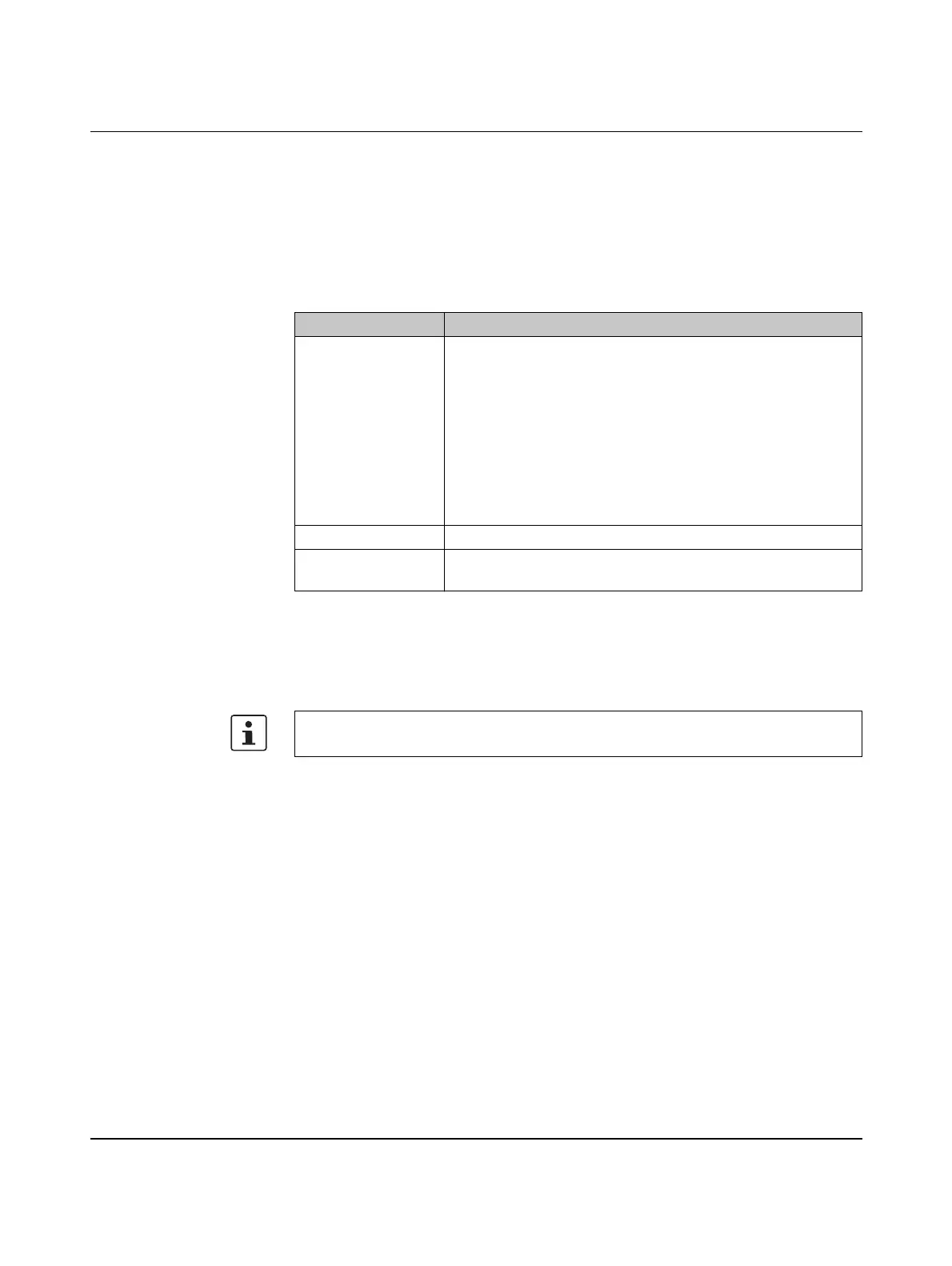
Table 2-2 Function block overview
Function block Short description
RS232_INIT Parameterization of the serial interface.
You can use this function block to specify the following parame-
ters of the serial interface:
– Protocol: transparent
– Baud rate: 1200, 2400, 4800, 9600, 19200, 38400, 57600 or
115200
– Data width: 8 data bits, even parity
– Number of stop bits: 1
– Hardware flow control: not supported
RS232_RECEIVE Reading the internal receive memory of the serial interface.
RS232_SEND Data transmission to the internal transmit memory of the serial in-
terface.
For additional information on the function blocks, please refer to the online help for the
PC Worx/PC Worx Express software.



 To Next Page