Foreword
8385_en_02 PHOENIX CONTACT 9
1 Foreword
1.1 Purpose of this user manual
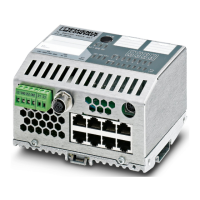
This user manual helps you to start up and operate the following Inline controllers:
– ILC 131 ETH,
– ILC 151 ETH,
– ILC 171 ETH 2TX,
– ILC 191 ETH 2TX,
– ILC 131 ETH/XC or
– ILC 151 ETH/XC.
1.2 Hardware and software requirements
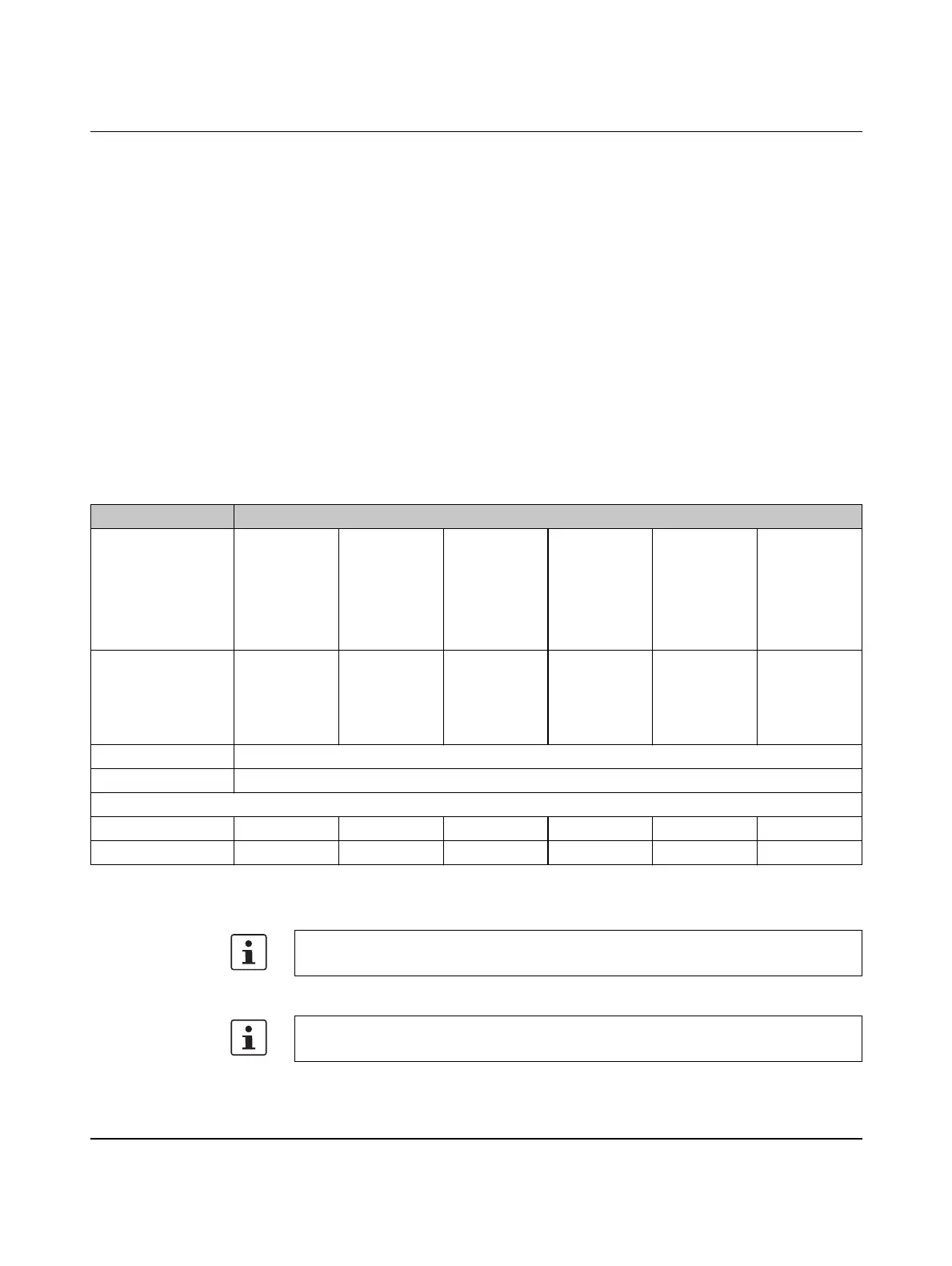
PROFINET device function
HW/SW Description
Inline controller
ILC 131 ETH
ILC 151 ETH
ILC 171 ETH 2TX
ILC 191 ETH 2TX
ILC 131 ETH/XC
ILC 151 ETH/XC
Parameterization
memory, plug-in
For ordering
data, see Sec-
tion “Accesso-
ries” on
page 95
For ordering
data, see Sec-
tion “Accesso-
ries” on
page 95
For ordering
data, see Sec-
tion “Accesso-
ries” on
page 95
For ordering
data, see Sec-
tion “Accesso-
ries” on
page 95
For ordering
data, see Sec-
tion “Accesso-
ries” on
page 95
For ordering
data, see Sec-
tion “Accesso-
ries” on
page 95
Ethernet cable Ethernet cable for connecting the Inline controller to a PC
Connecting cable Connecting cable for connecting the Inline controller to a PC (RS-232 cable, optional)
Automation software versions (Service Pack = SP)
PC Worx ≥ 6.20 * ≥ 6.20 * ≥ 6.20 SP 1 ** ≥ 6.20 SP 1 ** ≥ 6.20 * ≥ 6.20 *
PC Worx Express ≥ 6.20 * ≥ 6.20 * ≥ 6.20 SP 1 ** ≥ 6.20 SP 1 ** ≥ 6.20 * ≥ 6.20 *
* Part of the AUTOMATIONWORX Software Suite 2012 1.70
** Part of the AUTOMATIONWORX Software Suite 2012 1.70 Service Pack 1
For the ordering data for hardware, software, and additional documentation, please refer
to Section “Technical data and ordering data” on page 87.
The PROFINET device function of the controllers is not supported by the
PC Worx Express software.






 To Next Page