ILC 1X1
44
PHOENIX CONTACT 8385_en_02
3.2 Creating a new project
Before making the settings described below, create a new project in the
PC Worx/PC Worx Express software.
• Select the “New Project...” command from the “File” menu to create a new project using
a template.
• In the “New Project” dialog, select the “ILC 1...” template according to the version of the
Inline controller you are using.
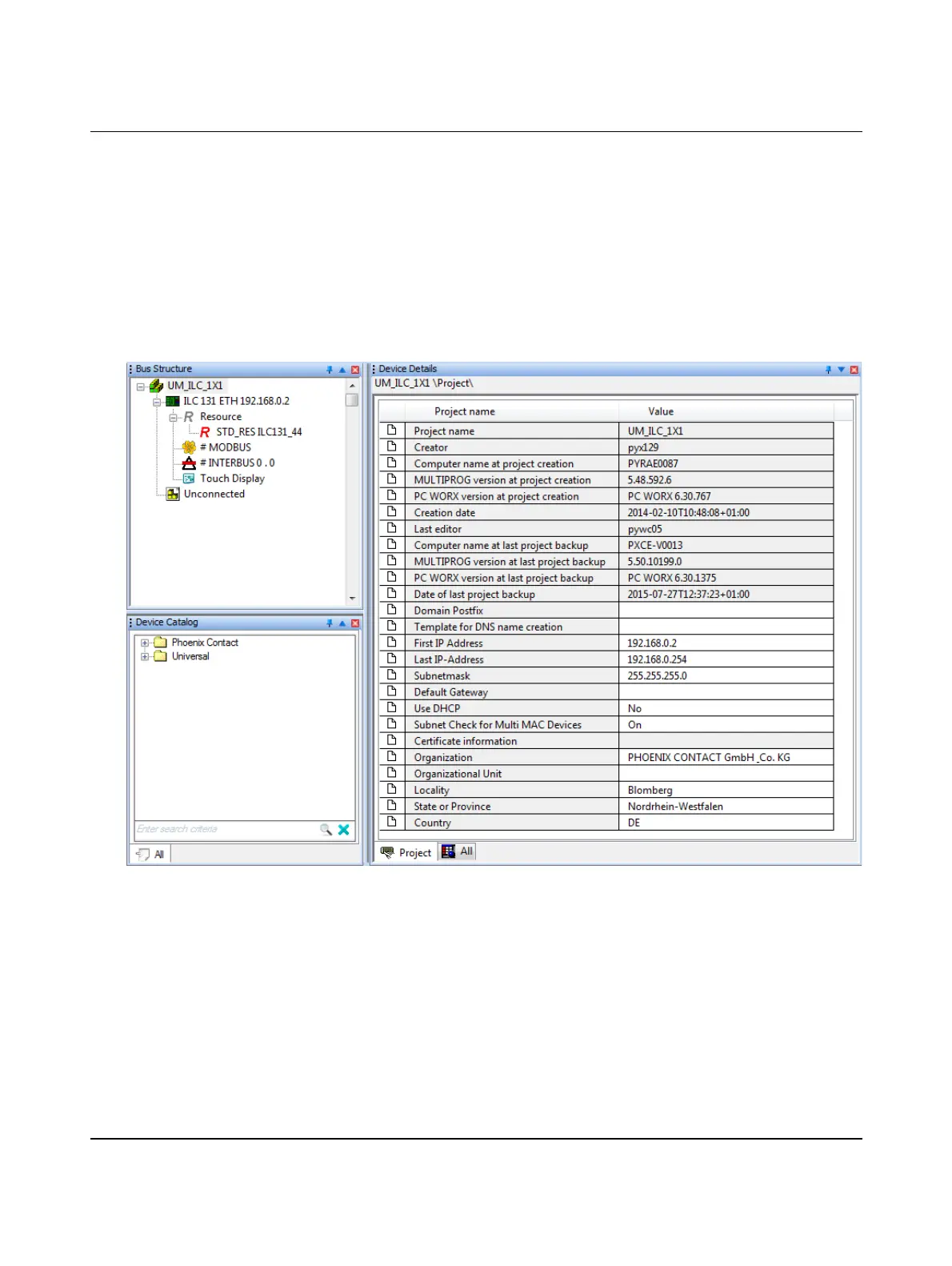
• Save the project using an appropriate name (in the example in Figure 3-1:
“UM_ILC_1X1”).
Figure 3-1 Project information after creating a new project






 To Next Page