© PSI (Photon Systems Instruments), spol. s r. o.
58
15.2 INSTA LL A TI ON AND OPE RA TI ON OF THE M O NITORING P E N MP 100 -A/B
15.2.1 DEVICE CONTROL
To turn on the device connect the serial cable to the battery pack and pc.
The device stays on when the serial cable is connected.
The Monitoring Pen automatically turn off after serial cable disconnection.
Protocol setting is possible only using Online control in the FluorPen software.
Multiprotocol serves for automated measurement of predefined protocols in predefined time interval. After setting of
multiprotocol disconnect the serial cable. The device automatically switches to standby mode, which saves the battery,
and measures according to predefined setting. More information about the Multiprotocol are mentioned in chapter 11.2.3.
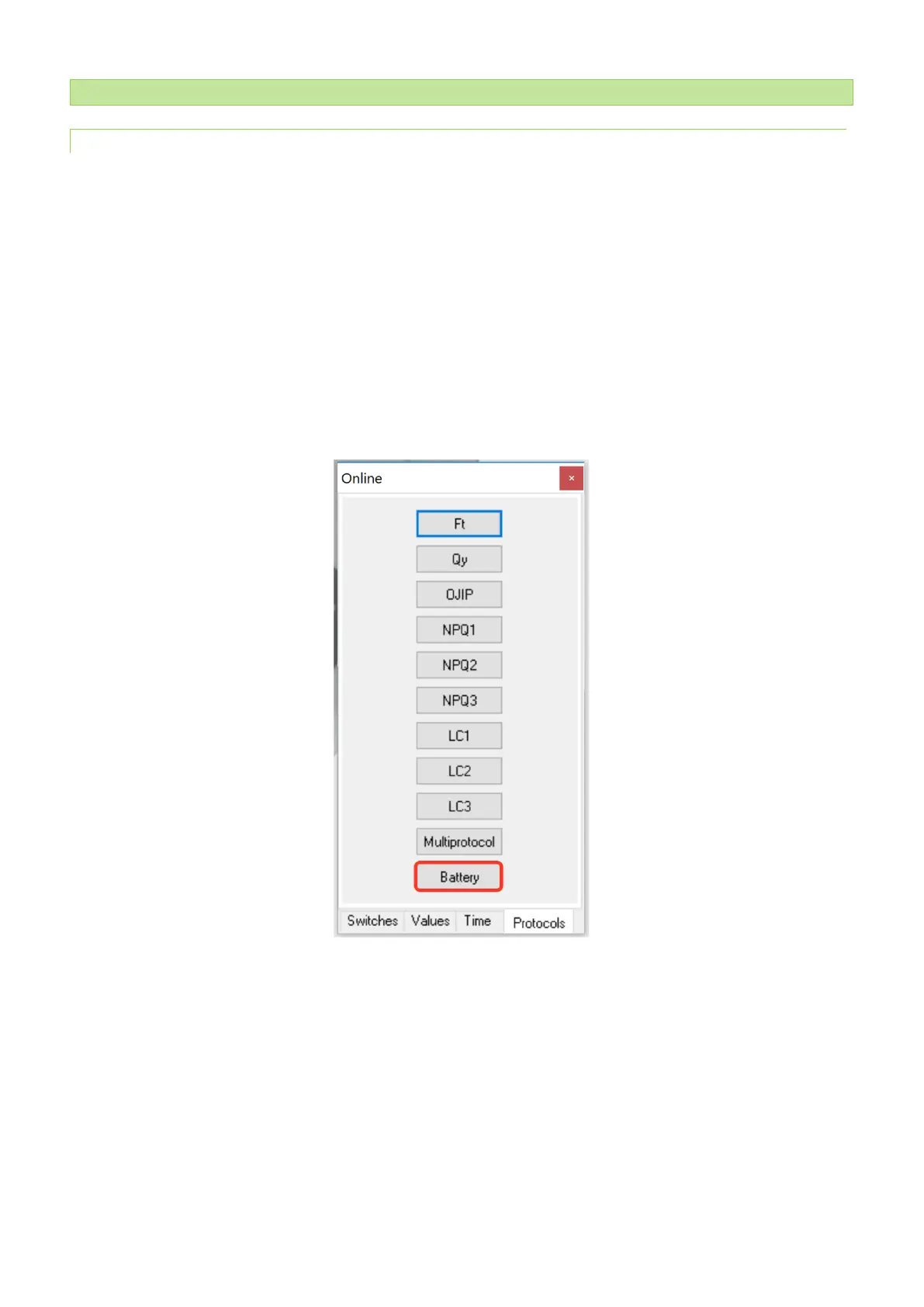
Online control enables checking of battery status (Fig. 37). The current battery voltage is shown as measured data in
FluorPen software (Fig. 38).
Fig. 37 Online control window enables checking of battery status.


 To Next Page