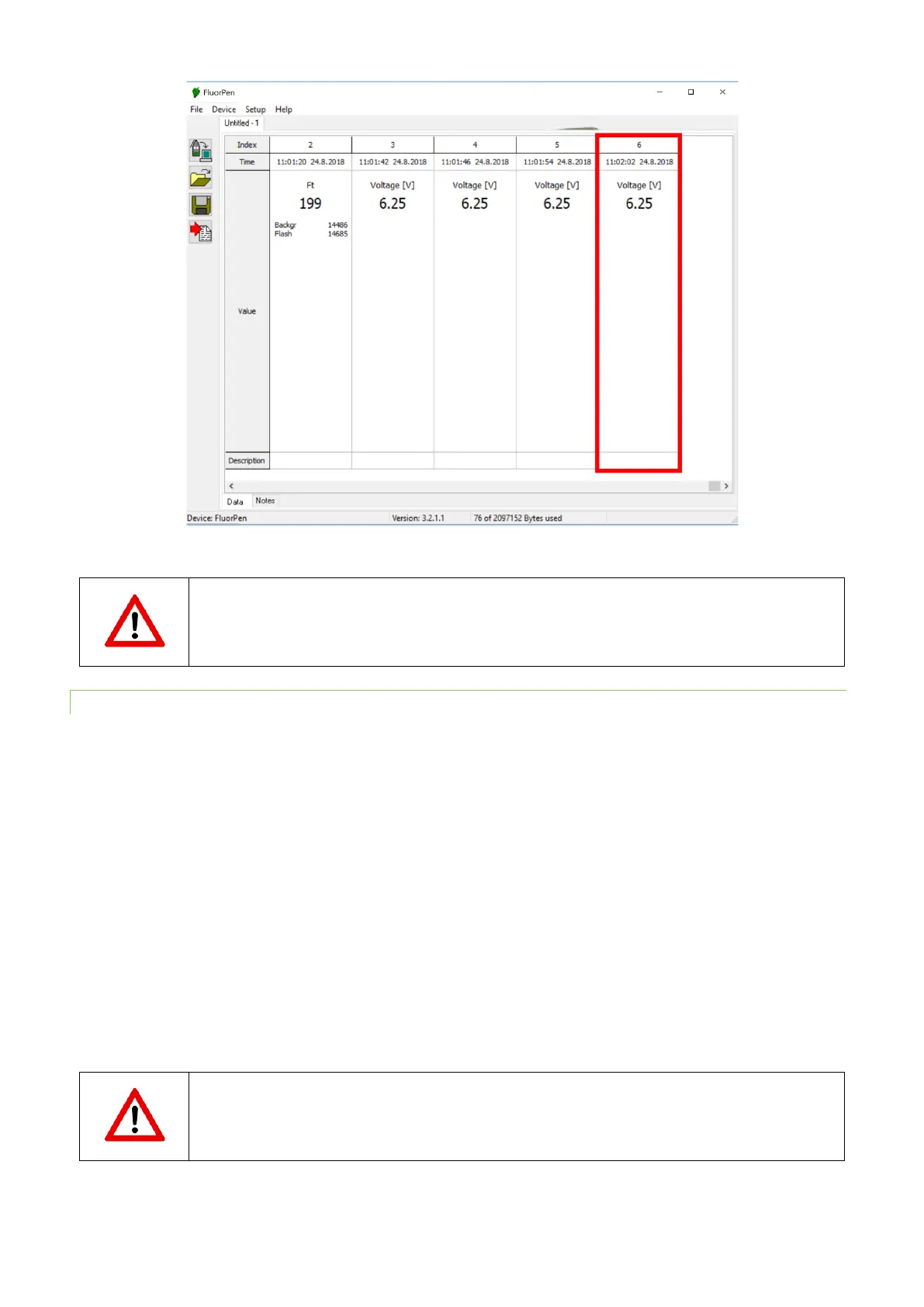
The minimal battery voltage is 4.9 V. The device does not work at lower voltage. Please find more
information about the battery pack in chapter 15.1.
15.2.2 DEVICE INSTALLATION
1. Connect the Monitoring Pen to the cable.
2. Place the Monitoring Pen under the water.
3. Connect the device cable to the battery pack.
4. For single measurement and multiprotocol setting connect the serial cable to the battery pack and pc.
5. Open the FluorPen software and connect the device (more details in chapter 11).
6. Set the protocol using the Online control and start the protocol.
7. Disconnect the serial cable. The device switches automatically to standby mode and measures according to preset
protocol.
8. For data download connect the serial cable. Connection of serial cable cancels the multiprotocol measurement. Start
the multiprotocol again for following measurement.


 To Next Page