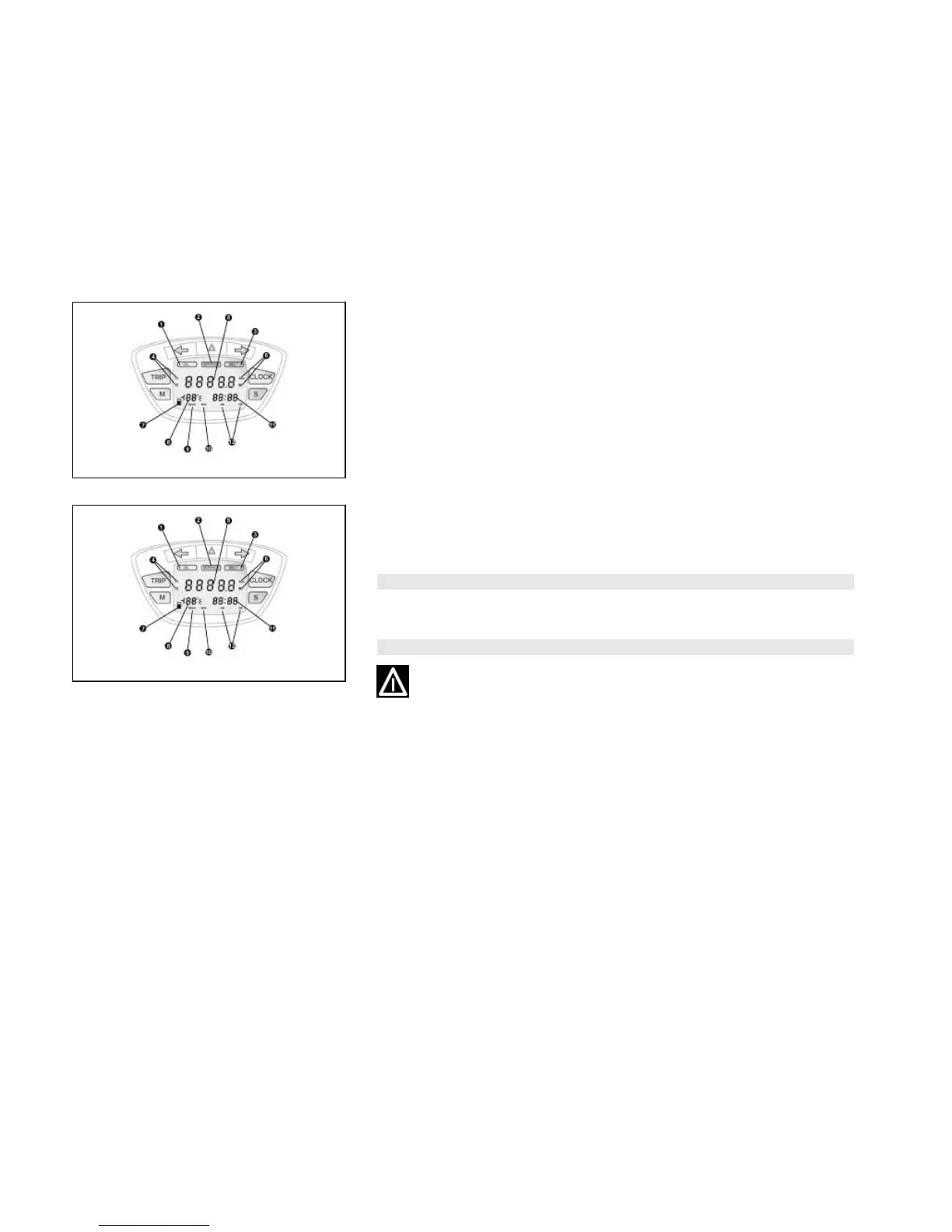
01_14
Setting the date function (01_14)
Press «CLOCK» for more than 3 seconds and set the day by button «S». Wait until
the month begins flashing and set by button «S». Wait until the year begins flashing
and set by button «S». Wait approx. 3 seconds or press «CLOCK» to return to the
date function.
01_15
Setting the chronometer function (01_15)
Press «S» to enable and stop the chronometer. Press «CLOCK» and «S» together
to reset the chronometer.
WARNING
TO KEEP TRACK OF THE JOBS FOR «SERVICE», THE CLOCK MUST BE RESET
EACH TIME THE BATTERY IS DISCONNECTED FROM THE VEHICLE SYSTEM.
CAUTION
IT IS STRONGLY ADVISED NOT TO USE THE FUNCTIONS OF THE DIGITAL
DISPLAY PANEL WHILE THE VEHICLE IS MOVING.
14




 To Next Page