EasyManua.ls Logo

Piazzetta P960 - Setting Unit of Temperature Measurement

Piazzetta P960
64 pages
Print Icon
To Next Page IconTo Next Page
To Previous Page IconTo Previous Page
Loading...
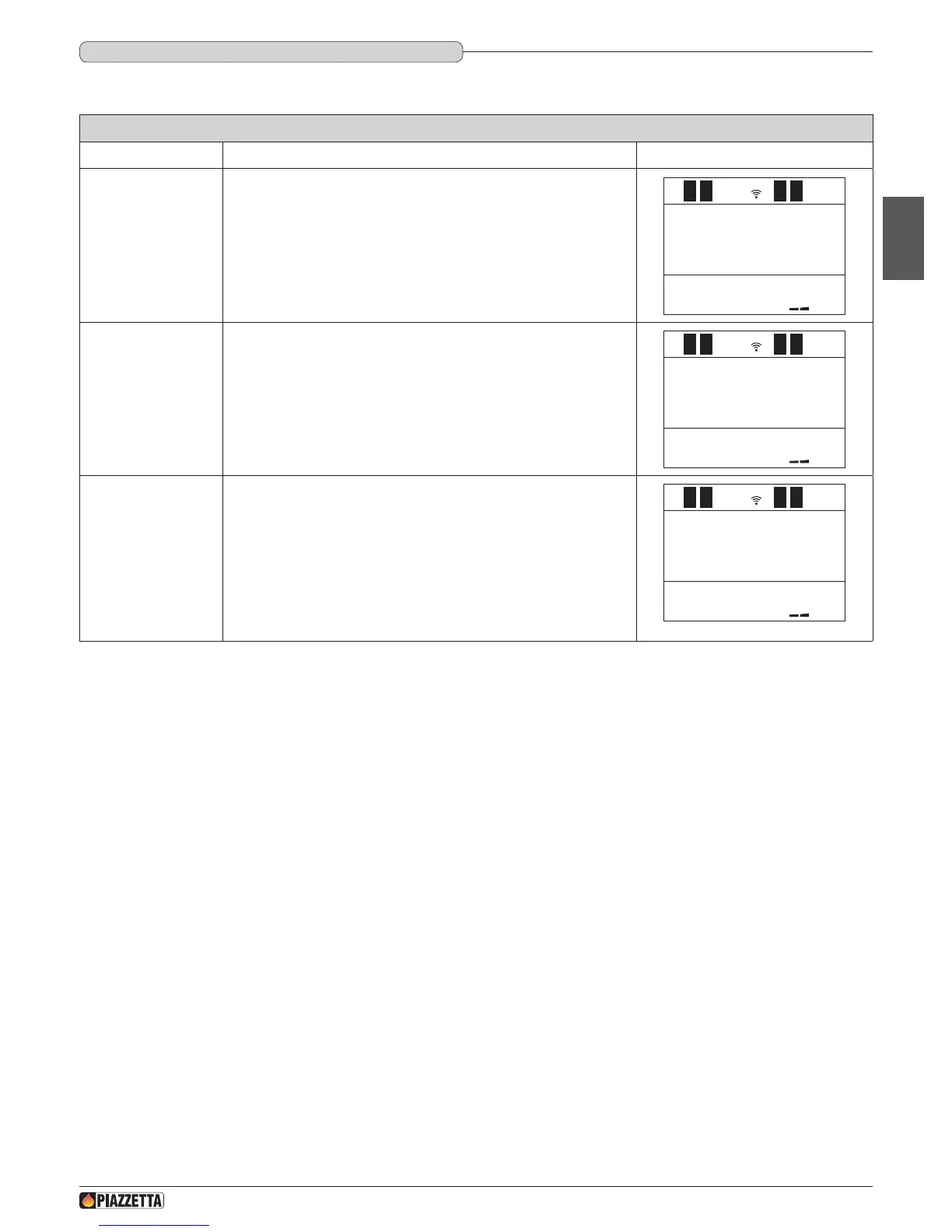
UNIT OF MEASUREMENT
Function Action Display
Selecting the UNIT OF
MEASUREM menu
Press the MENU button, use the MENU SELECTION button to select the
UNIT OF MEASUREM menu and the SET button to conrm.
UNIT OF
MEASUREM
1
FUNCTION
ENABLED
1
UNIT OF
MEASUREM
1
F
Selecting the unit
of temperature
measurement
Scroll with the MENU SELECTION button to nd the required unit of
temperature (F - Fahrenheit o C - Celsius) and conrm with the SET button.
UNIT OF
MEASUREM
1
FUNCTION
ENABLED
1
UNIT OF
MEASUREM
1
F
After conrmation the readout FUNCTION ENABLED appears on the
display, which then automatically returns to the initial readout.
UNIT OF
MEASUREM
1
FUNCTION
ENABLED
1
UNIT OF
MEASUREM
1
F
DT2040064-03
DT2011296-00
6.9 SETTING UNIT OF TEMPERATURE MEASUREMENT
This function allows the unit of temperature measurement in CELSIUS or in FAHRENHEIT to be set on the display.
H07028100/DT2000970 – 01
35
English

Table of Contents

Related product manuals