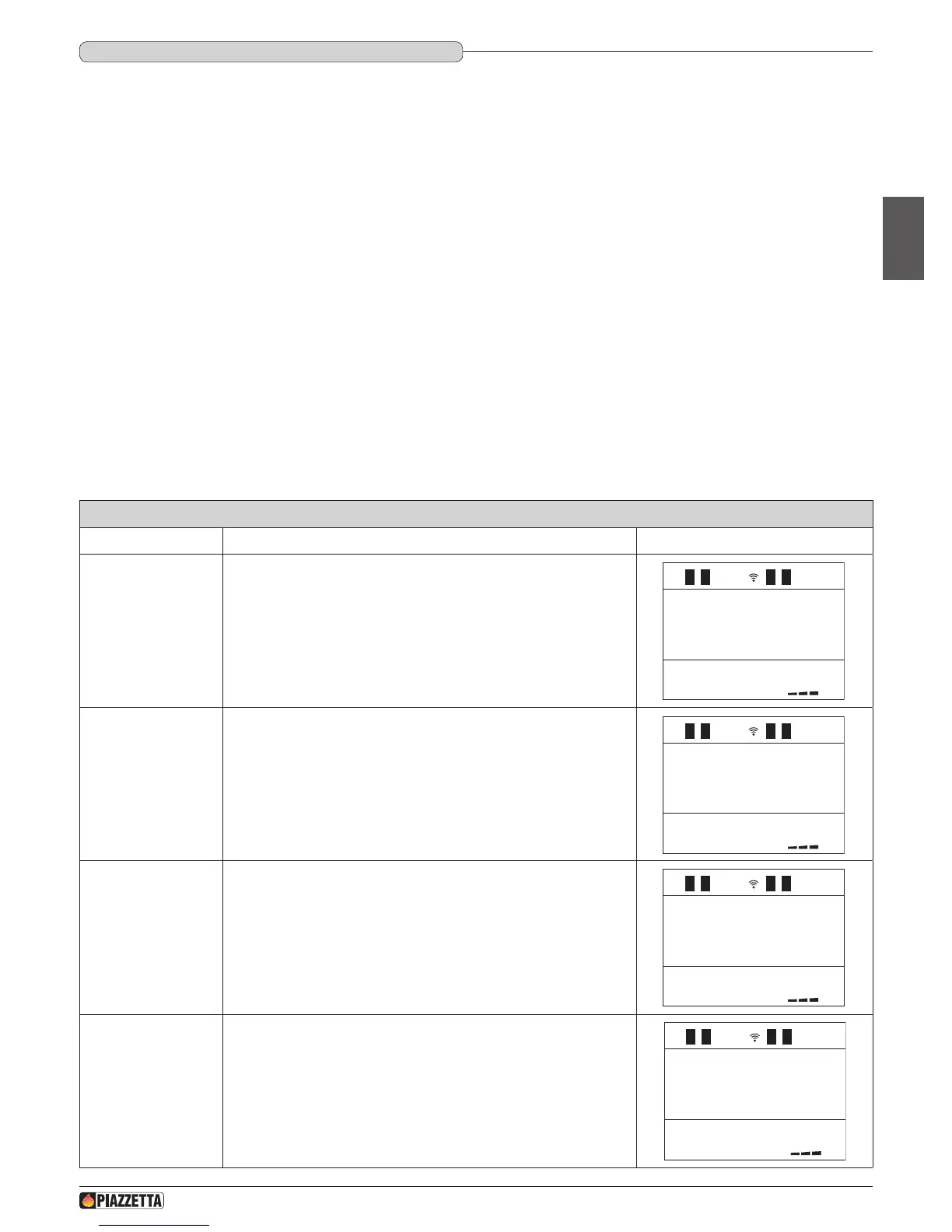
Enable or disable day
programme
Press the SELECT MENU key and select ON to enable the day programme
or OFF to disable the day programme. Conrm by pressing the SET key.
If you have disabled the programme by selecting OFF and do not wish to
carry out further programming, press the ESC (EXIT) key to return to the
previous menu or the MENU key to return to the initial display.
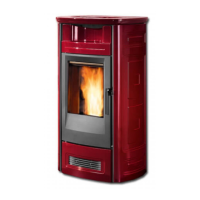
Set startup time for
1
st
operating cycle
Press SELECT MENU to set the startup time, advancing in ten-minute
jumps (for example, you want the stove to start up at 06:00). Conrm by
pressing the SET key.
1
The timer allows the user to programme the stove to start up and shut down automatically without any manual intervention.
Daily, weekly and weekend programmes can be selected with a maximum of two operating cycles in two separate timetable bands.
For example: Cycle 1: from 6am until 9am.
Cycle 2: from 8.30pm until 11pm.
•In the DAILY programme the two timetable bands once established can be activated or deactivated for all the days of the week.
For example: if you want the stove to operate from 6am to 9am every day
•In the WEEKLY programme the two timetable bands once established can be activated or deactivated for each day.
For example: if you want the stove to operate from 6am to 9am on Monday, Tuesday, but not on Wednesday, and so on.
•In the WEEKEND programme the two timetable bands once established can be activated or deactivated for Friday, Saturday and Sunday.
For example: if you want the stove to operate from 6am to 9am on Friday, Saturday, but not on Sunday.
This kind of timer allows you to have three programmes (DAILY, WEEKLY and WEEKEND) stored permanently. The programmes can be activated or
deactivated using the SET TIMER menu. It is advisable to have only one programme active at a time to avoid overlapping.
a WHEN USING THE TIMER FOR THE FIRST TIME, SET THE CLOCK WITH THE CURRENT DAY, HOUR AND MINUTES, as with a new watch. To
set the actual time, see the table SETTING THE CLOCK. This setting will only be necessary the rst time of activating the clock.
DAY PROGRAMME - 1
st
operating cycle
H07028100/DT2000970 – 01
37
English



 To Next Page