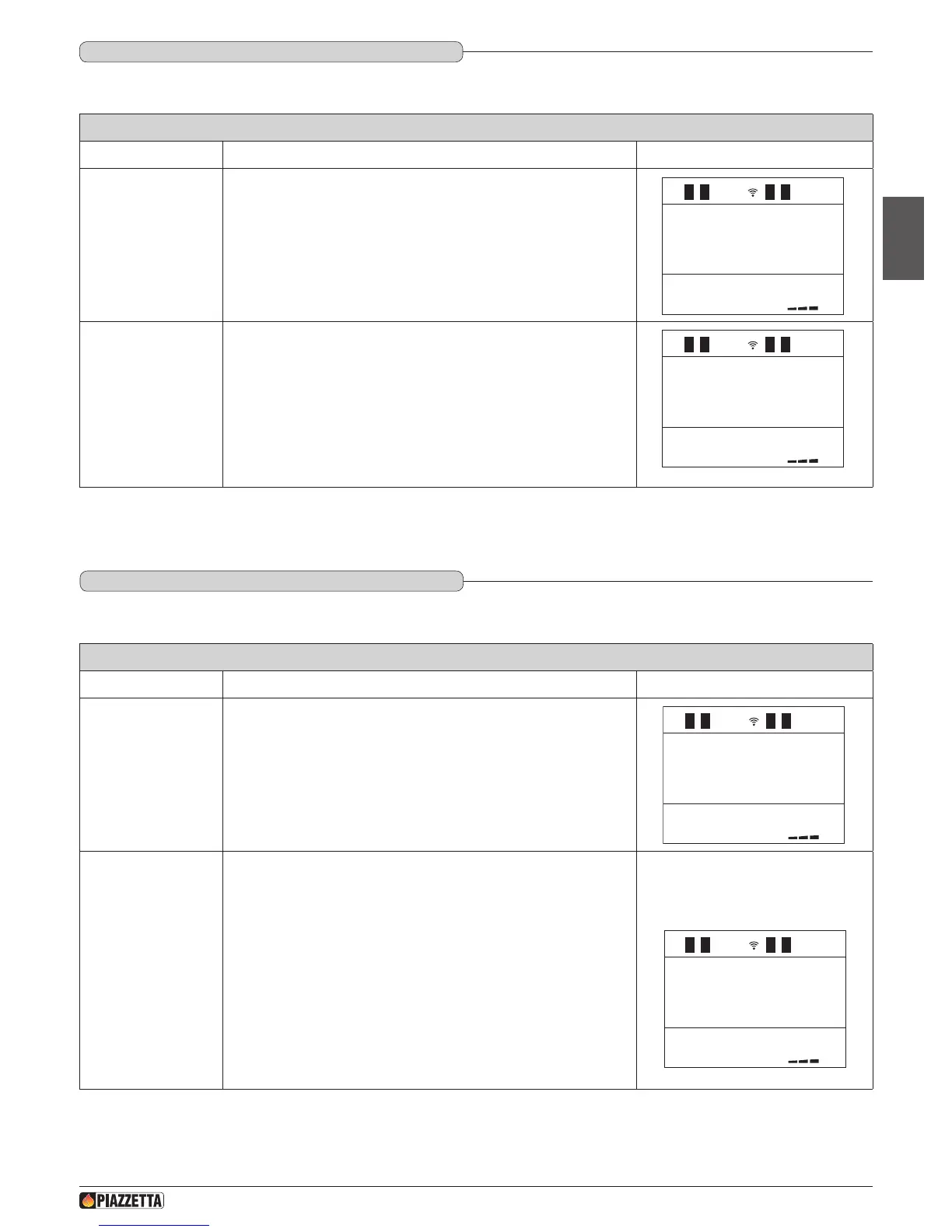
ENABLE BEEP (audio signal)
Function Action Display
Select enable beep
menu
Press the MENU key. Using the SELECT MENU key select the “ENABLE
BEEP” menu and conrm by pressing the SET key.
1
Select enable or
disable beep
Press the SELECT MENU key and select “ON” to enable the buzzer or
“OFF” to disable it. Conrm by pressing the SET key. After conrmation the
readout “BUZZER ENABLES” will appear on the display while the initial
display will automatically reappear on the remote control.
MODE
BEEP
ON
DT2040065-03
STOVE STATUS
Function Action Display
Select stove status
menu
Press the MENU key, then using the SELECT MENU key select the stove
status “STATE STOVE” menu. Conrm by pressing the SET key.
1
Display stove status
The rst line displays the operating conditions, the second line for how
long the pellets have been loading and the third line the smoke and room
temperatures detected by the sensors. A list of the readouts which can
appear in the rst line is given below:
PUL Clean grate
ALF 1 Pressure switch activated
Fire door open
Fuel hopper lid open
ALF 2 Anomaly in the pressure switch
ALC Safety thermostat activated
NO CONN Smoke sensor or ambient sensor disconnected
NO ACC Failed ignition
MASS TEMP Smoke alarm activated - maximum temperature reached.
PUL
02 .4CO
203F 79F
DT2040071-05
DT2010248-04
6.15 ENAbLE bEEP (AUdIO SIGNAL)
DT2010248-04
6.16 STOvE STATUS
This function allows you to engage or disengage the alarm signal emitted by the stove to indicate that it has received the remote control’s commands.
This function displays the stove status under the various operating conditions.
H07028100/DT2000970 – 01
47
English



 To Next Page