PicoQuantGmbH MultiHarpSoftwareV.3.1.0.0
6. Controls and Commands Reference
6.1. Main Window
The Title Bar
Thetitlebarislocatedalongthetopofawindow.Tomovethewindow,dragthetitlebar.Note:Youcanalso
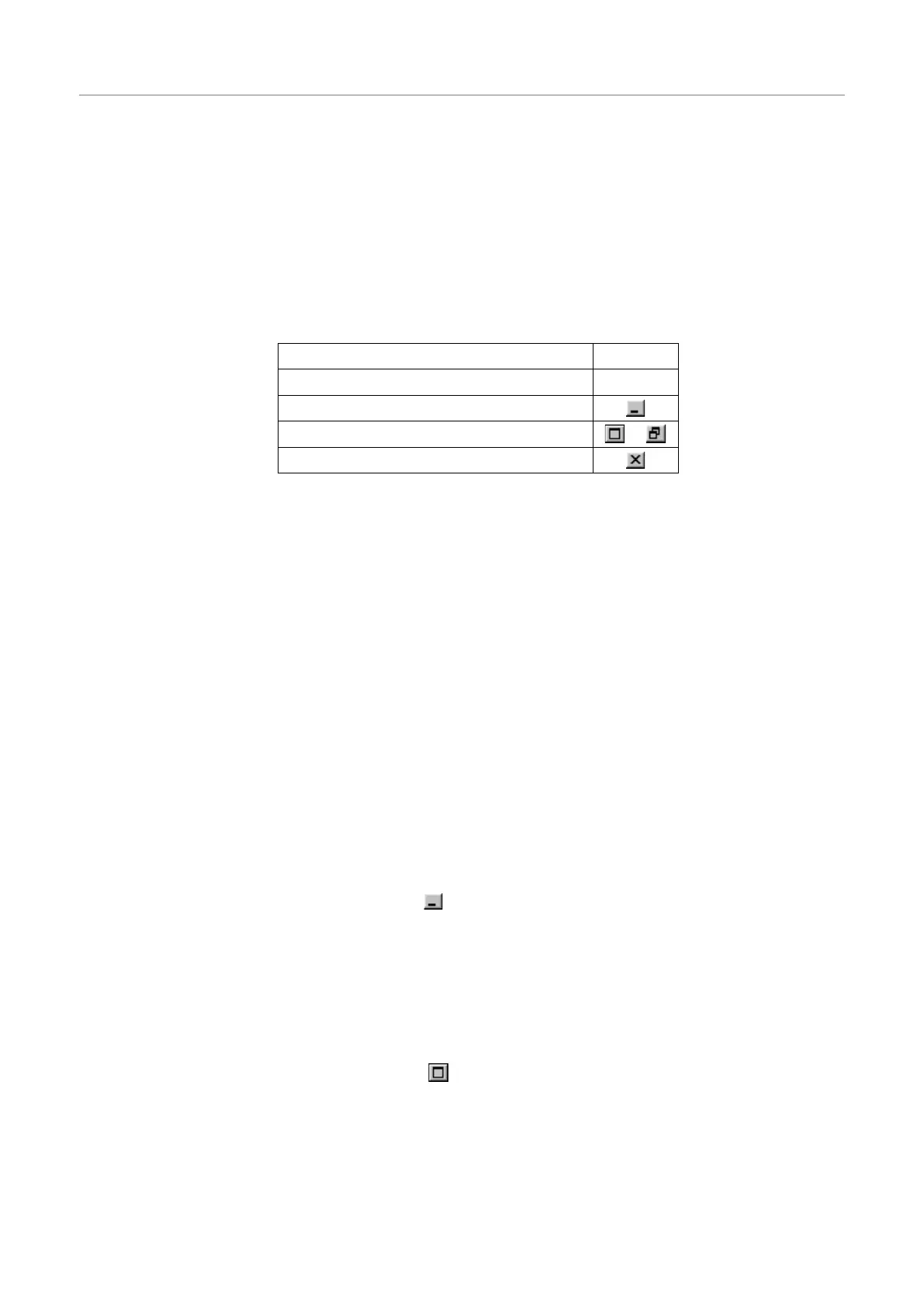
movedialogboxesbydraggingtheirtitlebars.Thetitlebarmaycontainthefollowingelements:
SystemMenu
MultiHarp–[Nameofthefileordialog]
MinimizeButton
MaximizeorRestore Button,resp. /
CloseButton
Scroll bars
DisplayedattherightandbottomedgesoftheMultiHarpwindowifacertainminimumwindowsizeisreached.
Thescrollboxesinsidethescrollbarsindicateyourverticalandhorizontallocationinthedisplayarea.Youcan
usethemousetoscrolltootherpartsofthewindow.
Size command
Usethiscommandtoresizetheactivewindow.
Note: Thecommandisunavailableforalreadymaximizedorminimizedwindows.
Shortcut
Mouse: Dragthecornersoredgesofthewindow.
Keys: <Alt>+<Space>S
Minimize command
UsethiscommandtoreducetheMultiHarpwindowtoanicon.Runningmeasurementswillcontinue.
Note: Thecommandisunavailableforalreadyminimizedwindows.
Shortcut
Mouse: Clicktheminimizebutton onthetitlebar.
Keys: <Alt>+<Space>N
Maximize command
Usethiscommandtoenlargetheactivewindowtofilltheavailablespace.
Note: Thecommandisunavailableforalreadymaximizedwindows.
Shortcut
Mouse: Clickthemaximizebutton onthetitlebar;
ordouble–clickthetitlebarofanon-maximizedwindow.
Keys: <Alt>+<Space>X
Page58



 To Next Page